Website Platform Comparison Tool
Find the right platform for your website
This tool helps you identify which website platform (Squarespace, WordPress, Shopify, Carrd, or Webflow) best matches your specific needs. Answer a few questions to get personalized recommendations.
What type of website are you building?
Blog/Content Site
For writers, publishers, or content creators who need to regularly post articles and updates.
Portfolio/Landing Page
For artists, designers, or professionals who need to showcase their work with minimal content updates.
E-commerce Store
For businesses selling physical or digital products online.
How important is customization?
Minimal
You want a simple site with basic styling options.
Moderate
You want some flexibility to change layouts and add basic features.
Essential
You need full control over design and functionality.
How important is SEO?
Minimal
You don't plan to rank for specific search terms.
Moderate
You want basic SEO features and some control over optimization.
Essential
You need advanced SEO control and optimization capabilities.
How many products will you sell?
0-50 products
You'll be selling a small number of products.
50-200 products
You have a moderate number of products to sell.
200+ products
You expect to sell a large number of products.
How important is mobile responsiveness?
Minimal
You don't expect to get much mobile traffic.
Moderate
You want a responsive design but don't need specialized mobile features.
Essential
You need a specialized mobile experience with advanced features.
What's your budget for the platform?
Free or minimal cost
You're looking for a free solution or very low-cost option.
$5-$20/month
You're comfortable with a modest monthly subscription.
$20+/month
You're willing to invest more for advanced features and support.
Your Recommended Platform
After analyzing your needs, your best platform choice is...
How this tool works
Based on your selections, we've analyzed which platform best matches your needs. Squarespace works well for basic, simple sites but has limitations when you need advanced customization, SEO control, or e-commerce functionality. The recommended platform offers the right balance of features for your specific requirements.
Most people start with Squarespace because it looks clean, feels polished, and promises a website in minutes. But after a few months, many users hit walls they never saw coming. If you’re thinking about using Squarespace - or already are - here are the seven real reasons it might not be the right choice for you.
1. You Can’t Escape the Template Lock-In
Squarespace doesn’t let you build from scratch. Every site starts with a template, and once you pick one, you’re stuck. You can tweak colors, fonts, and layout a little, but you can’t restructure the core HTML or CSS without breaking everything. Want to add a custom navigation menu that behaves differently on mobile? Too bad. Want to change how the blog grid loads? You’re stuck with their default JavaScript. Unlike WordPress, where you can install plugins or edit theme files directly, Squarespace treats customization like a locked box. You get a nice-looking website, but you don’t own the underlying structure. And if you ever need to move away from Squarespace, exporting your content is messy. Images and text come out, but your layout? Gone.
2. SEO Is Half-Baked
Squarespace says it’s SEO-friendly. And yes, it handles meta tags and sitemaps. But that’s just the surface. Real SEO requires control: custom URL structures, canonical tags, schema markup, image alt text automation, redirect management. Squarespace gives you basic tools - but no flexibility. You can’t add structured data manually. You can’t fix broken redirects without paying for a third-party tool. And if you want to optimize your blog posts for long-tail keywords, you’re limited to the built-in title and description fields. No custom fields. No advanced plugins like Rank Math or Yoast. I’ve seen clients with Squarespace sites rank poorly despite great content - because the platform itself was holding them back.
3. No Real E-Commerce Scaling
If you’re selling more than 50 products, Squarespace starts to crack. Product filters? Limited. Inventory tracking? Basic. Abandoned cart recovery? Nonexistent. Checkout customization? Forget it. I worked with a small clothing brand that outgrew Squarespace in six months. Their product pages looked great, but customers couldn’t sort by size or color. They lost sales because they couldn’t add a size chart popup. Squarespace’s e-commerce tools are designed for hobbyists, not growing businesses. When you hit 100+ products, you’ll wish you’d started with Shopify or WooCommerce.
4. Speed Suffers Over Time
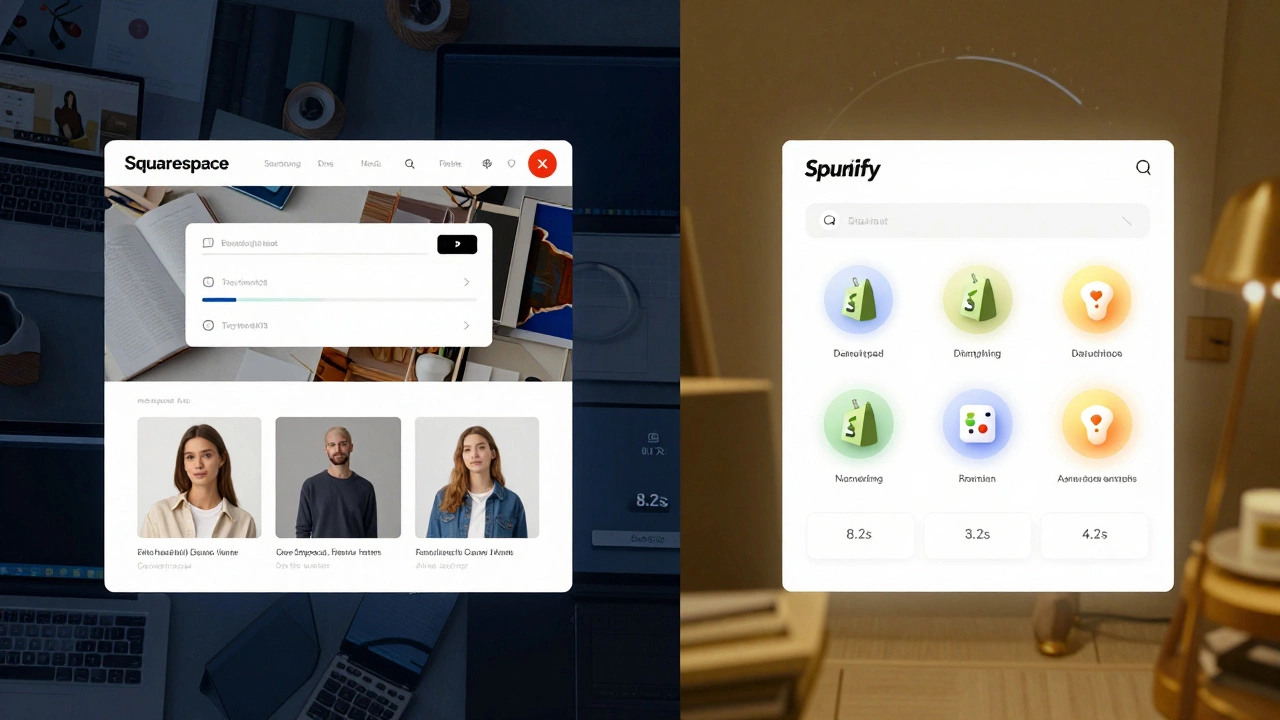
Squarespace sites load fast at first. But as you add more images, videos, and apps, things slow down - and you can’t fix it. Unlike WordPress, where you can optimize images with plugins, lazy-load content, or switch to a faster host, Squarespace handles all that behind the scenes. And it’s not always smart about it. I tested a client’s site with 300+ product images. It took 8.2 seconds to load on a 4G connection. That’s 4 seconds slower than the same site built on WordPress with a lightweight theme. Google penalizes slow sites. And you can’t do anything about it on Squarespace.
5. You’re Locked Into Their Pricing
Squarespace doesn’t offer a free plan. The cheapest tier starts at $16/month. That’s fine if you’re a business. But if you’re just testing the waters - a student, a hobbyist, a freelancer trying out a portfolio - you’re paying upfront with no way to test it risk-free. Compare that to WordPress.com’s free plan, or even Carrd’s $19/year option. Squarespace forces you into a paid subscription before you even know if it works for you. And if you cancel? You lose your domain, your site, and your data. There’s no export tool that preserves design. You’re not just leaving a platform - you’re starting over.
6. No Access to Plugins or APIs
Want to add a live chat? Squarespace has one built-in - but it’s basic. Want to connect to Zapier? Only on higher-tier plans. Want to integrate with Mailchimp? You can, but only through their limited connector. No custom code. No API access for automation. I had a client who needed to sync form submissions to a CRM. Squarespace’s form tool couldn’t do it. They had to hire a developer to build a workaround - and even then, it broke every few months. Platforms like WordPress let you install plugins for anything. Squarespace? You’re limited to what they allow. And they don’t allow much.

7. Customer Support Is a Black Box
Squarespace offers 24/7 chat support. Sounds great - until you try it. Most issues are handled by automated bots or generic scripts. Need help with a broken gallery? They’ll tell you to “clear your cache.” Need to fix a mobile layout issue? They’ll send you a template guide. No one who understands code. No escalation path. I’ve seen users wait days for answers to simple questions like “How do I change the font size on one heading?” Meanwhile, WordPress has forums, Reddit communities, and thousands of developers who’ll help you for free. Squarespace’s support feels like talking to a wall.
Who Should Still Use Squarespace?
Let’s be fair - it’s not all bad. If you’re a photographer, artist, or small service provider who just needs a beautiful, simple site and doesn’t care about SEO, e-commerce, or customization - Squarespace works. It’s the easiest way to get a professional-looking site without touching code. But if you’re serious about growth, control, or long-term flexibility - you’ll outgrow it fast.
What to Use Instead
For blogs and content-heavy sites: WordPress.org (free, unlimited control, 60,000+ plugins).
For e-commerce: Shopify (better product tools, built-in analytics, real scalability).
For simple portfolios or landing pages: Carrd (under $10/year, lightning-fast, no bloat).
For total freedom: Webflow (visual builder with full code access).
There’s no one-size-fits-all tool. But if you want to build something that lasts - not just looks good today - avoid Squarespace’s illusion of simplicity. It’s a pretty cage.
Is Squarespace really that bad for beginners?
It’s easy for beginners - that’s the point. But "easy" doesn’t mean "right." If you’re building a personal blog or portfolio and don’t plan to grow, Squarespace is fine. But if you ever want to add a newsletter, sell products, or rank on Google, you’ll hit limits fast. Most beginners don’t realize how much control they’re giving up until it’s too late.
Can I export my Squarespace site to WordPress?
You can export text and images, but not the design. Squarespace’s export tool strips away all layout, custom CSS, and functionality. You’ll get plain HTML files and a folder of images. Rebuilding the site in WordPress means starting from scratch. There’s no automatic migration tool that preserves the look or feel. If you’re thinking about switching, plan to rebuild - not transfer.
Does Squarespace block custom code?
It allows limited custom code - but only in specific areas. You can add HTML, CSS, or JavaScript to the header or footer, but you can’t edit core templates or override their built-in scripts. Many features (like mobile menus or product filters) are locked behind JavaScript they control. Trying to override them often breaks the site. It’s like being allowed to paint the walls but not touch the foundation.
Why do some designers recommend Squarespace?
Because it looks amazing out of the box. Designers love it for client sites that need to look polished with minimal effort. But they usually know the limits - and charge extra to work around them. If you’re hiring a designer to build your site on Squarespace, ask them: "What can’t you do?" The answer will tell you everything.
Is there a free trial for Squarespace?
Yes - a 14-day trial. But you need to enter your credit card. If you don’t cancel before day 14, you’re charged. There’s no risk-free way to test it long-term. Compare that to WordPress.org, which is free forever. Or Carrd, which lets you build and preview for free before paying. Squarespace’s trial feels more like a sales pitch than a test.
What’s the biggest hidden cost of Squarespace?
Time. Every time you hit a limitation - a missing feature, a broken layout, a slow page - you’re stuck. You can’t hire a developer to fix it easily. You can’t Google a solution. You’re at the mercy of their system. That’s the real cost: hours wasted trying to make it work, instead of building your business.