Free Website Platform Advisor
Not sure which free hosting option is right for you? Answer these three questions to get a personalized recommendation.
Imagine launching your online presence without seeing a single credit card charge. It sounds like a dream, doesn't it? But in 2026, running a website is an electronic document or collection of documents accessible via the internet without paying a monthly fee is not just possible-it’s easier than ever. Whether you are a hobbyist, a student, or someone testing a business idea, you can get online for zero dollars.
However, "free" usually comes with strings attached. You might lose control over your address, face strict storage limits, or deal with ads you didn’t ask for. The real question isn’t just *can* you do it, but *how* you can do it without sacrificing too much quality or credibility. Let’s break down the actual ways to host a site for free, what you give up, and when it’s time to upgrade.
The Reality of Free Web Hosting
When people talk about free websites, they are usually referring to two things: web hosting is a service that allows individuals and organizations to make a website available via the World Wide Web and domain names are unique addresses that identify resources on the internet, such as websites. Most free plans cover one but not the other, or they offer both with heavy restrictions.
Traditional hosting companies like Bluehost or SiteGround rarely offer truly free tiers anymore because server costs money. Instead, the "free" model has shifted toward platform-specific solutions. These platforms give you space on their servers in exchange for using their tools, displaying their branding, or limiting your features. This trade-off is the core of the zero-cost strategy.
Option 1: Static Site Generators and Git-Based Hosting
If you have even a tiny bit of technical know-how, this is the best route. Services like GitHub Pages is a static site hosting service hosted by GitHub, Netlify is a cloud computing company that offers hosting and serverless backend services for web applications, and Vercel is a cloud platform for frontend developers, providing infrastructure for user-facing web applications allow you to host static websites for free.
What does "static" mean? It means your site consists of HTML, CSS, and JavaScript files. There is no database updating in real-time, no shopping cart processing payments, and no user login system. This makes it incredibly fast and secure. You connect your code repository (like GitHub) to these platforms, and they automatically publish your site whenever you update the code.
- Pros: Completely free, no ads, very fast loading speeds, professional custom domains allowed.
- Cons: Requires basic coding knowledge or using a static site generator like Hugo or Jekyll; not suitable for dynamic content like blogs with comments or e-commerce stores.
Option 2: Drag-and-Drop Website Builders
If coding scares you, drag-and-drop builders are the alternative. Platforms like Wix is a cloud-based web development platform used for website building and publishing, Weebly is a website builder and hosting service, and WordPress.com is a commercial online website builder and hosting service based on WordPress software offer free plans. You pick a template, add your text and images, and hit publish. It’s intuitive and requires zero technical skills.
But here is the catch. On the free tier, your website will live on a subdomain. Instead of `yourname.com`, your address will look like `yourname.wixsite.com/site1`. This looks amateurish and hurts your search engine optimization (SEO). Additionally, Wix and Weebly often place their own advertisements on your site-ads you cannot remove unless you pay. WordPress.com is slightly better, allowing custom domains on some free tiers now, but still restricts plugin usage.
| Platform | Cost | Custom Domain? | Ads Displayed? | Best For |
|---|---|---|---|---|
| GitHub Pages | $0 | Yes | No | Developers, Portfolios |
| Netlify | $0 | Yes | No | Static Sites, Small Projects |
| Wix | $0 | No (Subdomain) | Yes | Beginners, Simple Brochures |
| WordPress.com | $0 | Limited | Yes | Blogging, Content Writers |
| Carrd | $0 | No (Subdomain) | Minimal | One-Page Sites, Link-in-Bio |
The Domain Name Dilemma
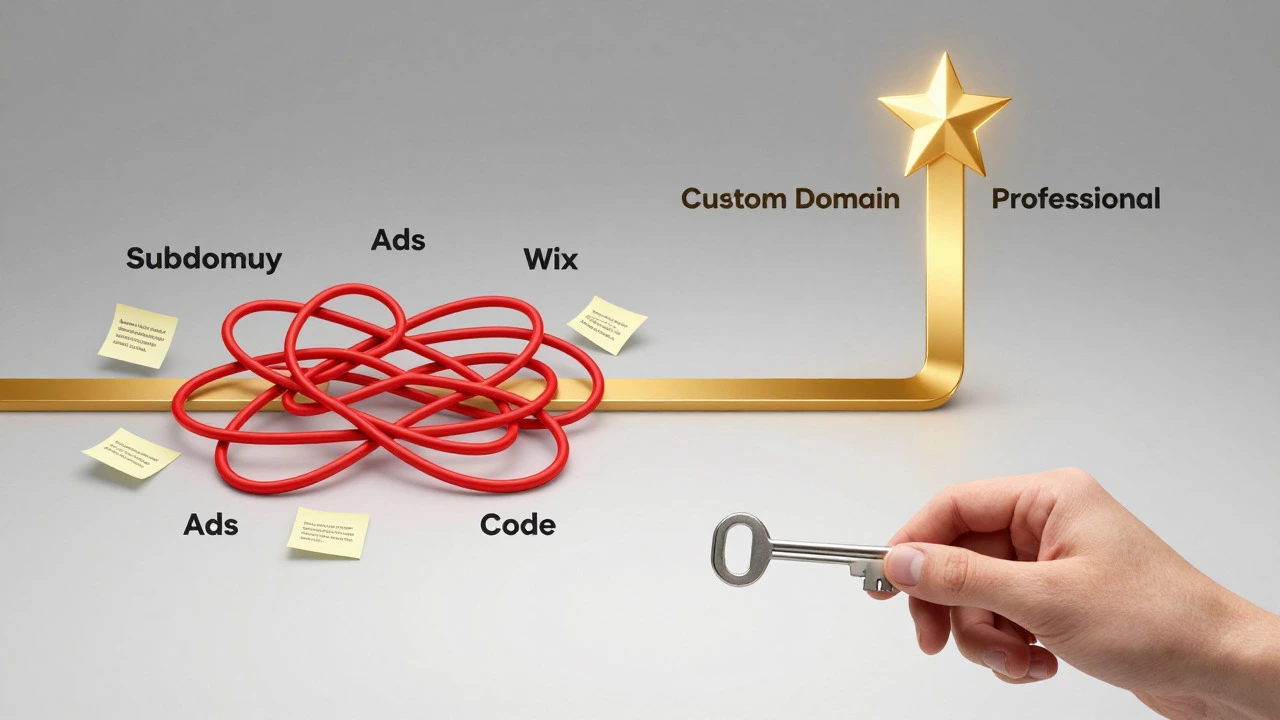
A domain name is the unique address of a website on the internet is your digital identity. Paying $10-$15 a year for a `.com` is standard. Can you get this for free? Technically, yes, but it’s tricky.
In recent years, services like Freenom offered free domains like `.tk`, `.ml`, or `.ga`. However, due to abuse and legal issues, many of these extensions have become unreliable or discontinued. In 2026, relying on these free extensions is risky because they can be revoked at any time, taking your site offline.
A better approach is to use the subdomains provided by builders (e.g., `mysite.wordpress.com`) or to buy a cheap domain from registrars like Namecheap or Cloudflare and point it to your free hosting provider (like Netlify). Some email providers also offer free web pages tied to your email address, though these are rarely used for serious projects.
Hidden Costs and Limitations
While the monthly bill is $0, there are hidden costs you need to watch out for. First, consider storage and bandwidth. Free plans often limit you to 500MB of storage and 1GB of bandwidth per month. If your site gets popular, you might hit these caps and get throttled or shut down until the next month.
Second, think about support. With paid hosting, you get 24/7 customer service. With free hosting, you’re on your own. If your site breaks, you rely on community forums and documentation. This is fine if you are tech-savvy, but frustrating if you need immediate help.
Third, scalability is limited. You cannot easily install complex plugins or databases on most free plans. If you want to turn your blog into an online store, you will likely need to migrate to a paid plan eventually. Planning for this migration early saves headaches later.

When Should You Upgrade?
Starting for free is smart. It lets you test ideas without financial risk. But you should consider upgrading when:
- You need a professional image: Clients and employers take sites with custom domains more seriously.
- You want to monetize: Ad networks like Google AdSense often require ownership of the domain and clean code, which free builders sometimes complicate.
- Your traffic grows: Once you exceed bandwidth limits, your site slows down, hurting user experience and SEO rankings.
- You need specific features: E-commerce, membership areas, and advanced analytics usually require paid tiers.
Upgrading doesn’t mean starting over. Most platforms allow you to keep your content and just switch your plan. The key is to build your foundation correctly from day one, so moving later is smooth.
Step-by-Step: Launching Your Free Site Today
Ready to start? Here is a simple path depending on your skill level.
For Non-Techies:
- Go to Wix or WordPress.com.
- Create an account.
- Choose a template that fits your niche.
- Add your content (text, images).
- Publish. Share your subdomain link.
For Tech-Savvy Users:
- Install a static site generator like Hugo or Gatsby locally.
- Create your site structure and content.
- Push your code to a GitHub repository.
- Connect GitHub to Netlify or Vercel.
- Configure your DNS settings if you bought a cheap domain elsewhere.
- Deploy. Your site is live instantly.
Conclusion: Is It Worth It?
Yes, you can absolutely have a website without paying monthly. For portfolios, personal blogs, landing pages, and small project showcases, free options are robust and reliable. The technology has matured enough that "free" no longer means "broken."
Just remember: you are trading money for convenience or control. If you value having your own name (`yourname.com`) and a clean, ad-free experience, budget for a cheap domain and stick to developer-friendly free hosts like Netlify. If you just want something up quickly and don’t mind the subdomain, go with Wix or WordPress.com. Start free, validate your idea, and scale when you’re ready.
Is it safe to use free web hosting?
Generally, yes. Reputable providers like GitHub Pages, Netlify, and Wix use secure servers and SSL certificates. However, always read their terms of service. Some free hosts may scan your data for advertising purposes or have less rigorous security protocols than premium enterprise hosts.
Can I sell products on a free website?
It is difficult. Most free plans do not support e-commerce plugins or payment gateways securely. While you can link to external payment processors like PayPal, you lack inventory management and checkout features. For serious sales, a paid plan is recommended.
Will my free website rank well on Google?
It depends. Sites on subdomains (like .wixsite.com) often struggle to rank because they inherit the domain authority of the parent platform, not yours. Static sites hosted on Netlify with custom domains can rank very well if optimized properly. Content quality remains the biggest factor.
Do I need to know how to code to have a free website?
No. Platforms like Wix, Weebly, and WordPress.com offer visual editors where you drag and drop elements. Coding is only necessary if you choose developer-focused options like GitHub Pages or want full customization beyond templates.
What happens if I stop paying for a paid site?
Your site goes offline, and after a grace period, the host may delete your data. With free sites, you rarely "stop paying," but if you violate terms (like exceeding bandwidth), they may suspend your account. Always back up your content regularly.