Website Builder Recommendation Tool
Let's find your perfect website builder
Answer these 3 simple questions to get personalized recommendations based on your goals and experience level.
Ever looked at a website and thought, "I could do that"-but then stopped because you don’t know how to code? You’re not alone. In 2025, building a website with zero experience isn’t just possible-it’s easier than ever. You don’t need a computer science degree. You don’t need to memorize HTML tags. You don’t even need to buy a single line of code. All you need is a clear idea and five hours of your time.
You don’t need to know how to code
The biggest myth about building a website is that you need to learn programming. That was true 20 years ago. Today, tools like Wix, Squarespace, and WordPress.com let you drag and drop elements just like you’d arrange photos on your phone. Want a photo gallery? Drag it in. Need a contact form? Click and drop. Want to change the font color? Click the color picker. That’s it.
These platforms handle all the backend stuff: hosting, security updates, mobile responsiveness, and even backups. You focus on what matters-your message, your products, your story. A local bakery in Melbourne used Wix to launch their site in two days. No developer. No budget. Just a phone, some photos of their sourdough, and a credit card for the $15/month plan.
Start with a clear goal
Before you open a website builder, ask yourself: Why am I doing this? This isn’t just about making something look nice. It’s about solving a problem.
- Are you selling handmade jewelry? Then you need a product page with clear photos and a checkout button.
- Are you a freelance photographer? You need a portfolio that loads fast and looks stunning on mobile.
- Are you sharing your travel stories? You need simple blog posts, easy navigation, and a way for readers to sign up for updates.
Don’t try to do everything at once. Start with one purpose. A website with one clear goal converts better than one with ten confusing features. People don’t buy from websites that feel like a garage sale. They buy from websites that feel like a conversation.
Choose the right tool-no tech skills needed
There are dozens of website builders, but only a few are truly beginner-friendly. Here’s what works in 2025:
| Tool | Best For | Cost (Start) | Learning Curve |
|---|---|---|---|
| Wix | Visual design lovers, portfolios, small businesses | $16/month | Very Easy |
| Squarespace | Aesthetic brands, photographers, creatives | $16/month | Easy |
| WordPress.com | Bloggers, content creators, future scalability | $4/month | Easy to Medium |
| Canva Websites | Simple one-page sites, events, quick launches | Free-$12/month | Super Easy |
Wix is the most forgiving. If you mess up a layout, you can undo it with one click. Squarespace gives you gorgeous templates that look like they were designed by a pro-because they were. WordPress.com is the most flexible long-term. If you ever want to add an online store or a membership area, it can grow with you.
Canva Websites? Perfect if you already use Canva for social media. You can build a site using the same drag-and-drop editor you’re used to. No learning curve. Just copy, paste, publish.
Use templates-don’t start from blank
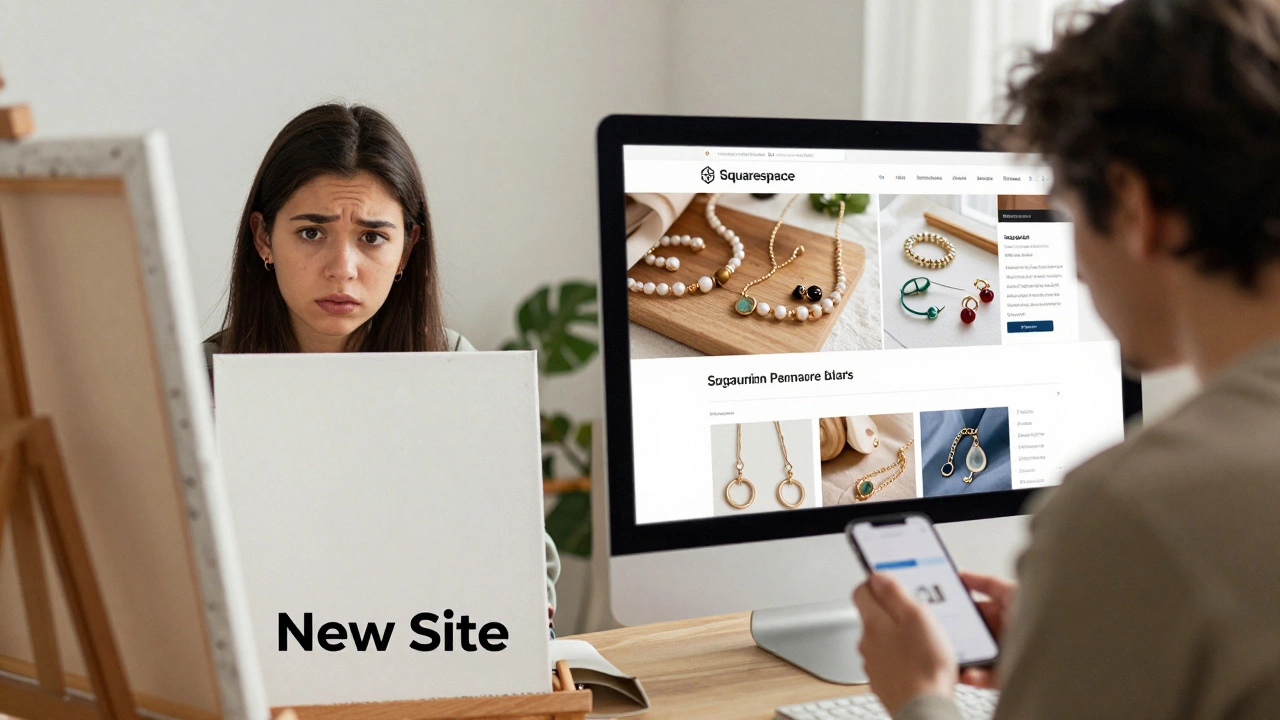
Never click "New Site" and stare at a blank canvas. That’s how people quit. Every website builder has hundreds of pre-designed templates. These aren’t just pretty-they’re tested. They follow design rules that work: clear headlines, readable fonts, buttons that stand out.
Look for templates labeled "Business," "Portfolio," or "Blog." Avoid "Corporate" or "Agency" templates if you’re not a law firm. They’re too complex. Pick one that matches your goal. Then, change the text, swap the photos, tweak the colors. That’s it.
A student in Brisbane built her resume portfolio using a Squarespace template in 90 minutes. She replaced the placeholder text with her own projects, uploaded photos from her phone, and hit publish. Within a week, she got three internship offers.
Images and text matter more than you think
Your website isn’t about fancy animations or spinning logos. It’s about trust. People decide in under three seconds whether they like you or not. Here’s how to make that first impression count:
- Use real photos-not stock images of fake people smiling at laptops. Take your own. Use your phone. Natural light works best.
- Write like you talk. If you’d say "I help small businesses get more customers," don’t write "Solutions-oriented digital consulting services for SMEs." Be human.
- Keep paragraphs short. No one reads walls of text on a phone. Three lines max.
- Make your call-to-action obvious. If you want people to email you, say "Send me a message"-not "Contact Us."
One guy in Perth built a site for his woodworking business. He used photos of his hands sanding a table, not the finished product. People loved the authenticity. Sales went up 40% in two months.
Test it before you launch
Before you hit "Publish," do this:
- Open your site on your phone. Can you read the text without zooming?
- Click every button. Does the contact form work? Does the "Buy Now" button take you to the right page?
- Ask a friend who knows nothing about websites to visit it. Ask them: "What’s this site for?" If they can’t answer in five seconds, simplify it.
Most beginners skip this step. Then they launch, get one visitor, and panic because it "doesn’t look right." Fix it before it goes live.
Launch-and keep improving
There’s no perfect website. There’s only a launched one. Your first version doesn’t need to be flawless. It just needs to exist.
After you launch, track one thing: Are people contacting you? If yes, you did it. If no, tweak your headline or your contact button. Change one thing every week. That’s how websites grow.
A woman in Adelaide started with a one-page site for her yoga classes. She didn’t know how to edit HTML. She used Wix. After three months, she added a booking system. After six, she started selling downloadable meditation guides. Today, she earns $3,000 a month. All from a site she built in one afternoon with no experience.
What you should avoid
Don’t waste time on these:
- Learning HTML or CSS-unless you want to be a developer, not a website owner.
- Buying expensive themes-free ones work fine at first.
- Trying to copy big brands-your authenticity is your edge.
- Waiting for "the perfect time"-there’s no such thing.
Also, avoid free plans that show ads on your site. They look unprofessional. Pay $4-$16 a month. It’s cheaper than your coffee subscription.
You can do this
Building a website with no experience isn’t a stretch. It’s a step. And every expert started exactly where you are right now-facing a blank screen, wondering if they could pull it off.
Today, the tools are there. The templates are ready. The path is clear. You don’t need permission. You don’t need a degree. You just need to start.
Open your laptop. Pick a builder. Choose a template. Change the text. Upload your photo. Hit publish.
That’s your website. And it’s yours.
Can I really build a website with no experience?
Yes. In 2025, website builders like Wix, Squarespace, and WordPress.com let anyone create a professional site using drag-and-drop tools. No coding, no design skills, no technical background needed. Thousands of people launch sites every day with zero experience.
How much does it cost to build a website with no experience?
You can start for as little as $4 a month with WordPress.com’s basic plan. Wix and Squarespace start at $16/month. That includes hosting, a custom domain (like yourname.com), and all the tools you need. It’s less than most phone plans.
How long does it take to build a website from scratch with no experience?
Most beginners can build a simple site in 2-5 hours. That includes choosing a template, adding your text and photos, and checking it on mobile. If you’re building a more complex site with a store or blog, expect 10-15 hours over a week or two.
What’s the easiest website builder for absolute beginners?
Wix is the easiest for total beginners. Its interface is intuitive, undo buttons are everywhere, and templates are highly customizable without touching code. Canva Websites is even simpler if you already use Canva for social media posts.
Do I need to buy a domain name?
You don’t have to-but you should. Free plans give you a subdomain like yoursite.wix.com, which looks unprofessional. For $10-$15/year, you can get your own domain (like yoursite.com). Most website builders include a free domain for the first year when you pay annually.
Can I make money from a website I build with no experience?
Absolutely. You can sell products, offer services, promote affiliate links, or sell digital downloads. Many people start with a simple site to showcase their work and land clients. One Sydney-based artist built a Wix site to display her paintings. Within three months, she sold 12 pieces and started taking commissions.