Enterprise CMS Suitability Calculator
Answer these 4 questions to determine the best technical architecture for your organization.
Walk into any Fortune 500 headquarters or a high-growth tech startup, and you’ll rarely hear their CTO brag about using WordPress is an open-source content management system (CMS) that powers over 43% of the web. Instead, they talk about headless architectures, custom React front-ends, and robust backend APIs. It’s a curious disconnect. On one hand, WordPress runs everything from your local bakery’s menu to major news outlets like TechCrunch. On the other, it seems conspicuously absent from the digital infrastructure of massive enterprises like Amazon, Netflix, or even mid-sized SaaS platforms.
So, why do companies shun the world’s most popular website builder? Is it just snobbery? Or are there genuine technical ceilings that make WordPress a liability for serious business operations? The answer isn’t black and white, but it boils down to three heavy hitters: security vulnerabilities, scalability bottlenecks, and the hidden cost of maintenance.
The Security Paradox: Popularity Is a Liability
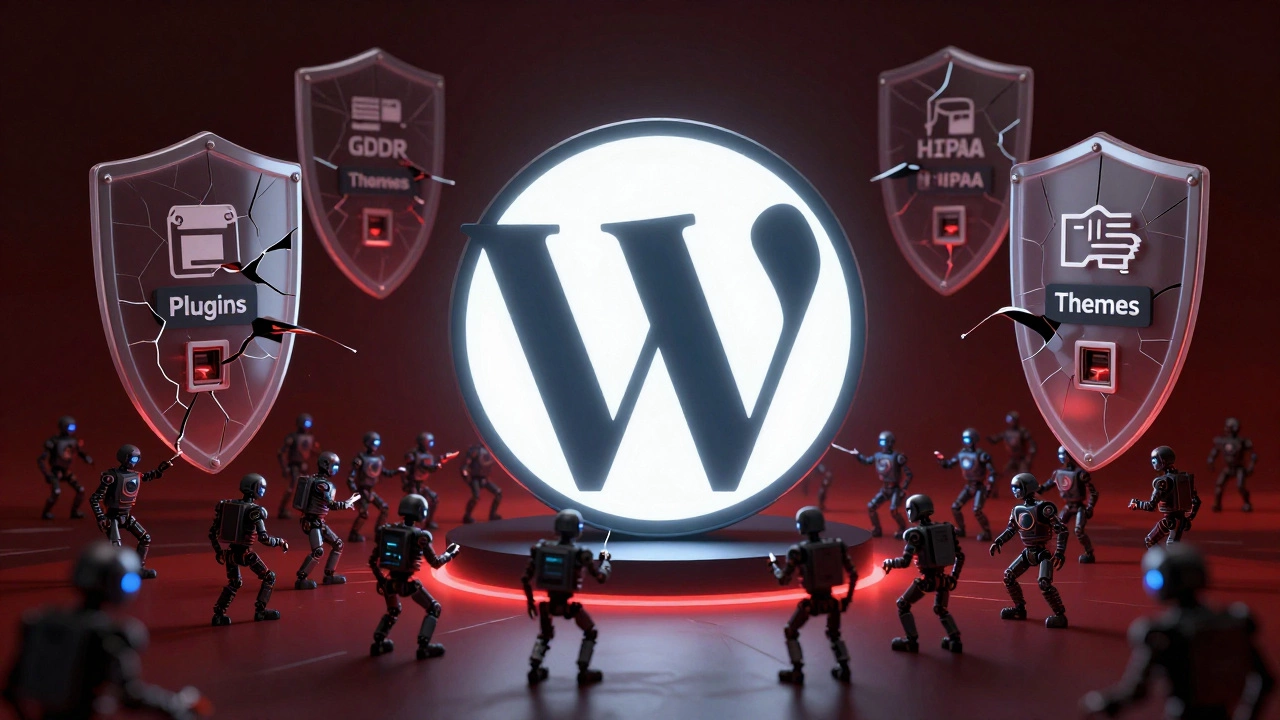
Let’s start with the elephant in the room: security. Because WordPress holds such a massive market share-roughly 43% of all websites-it becomes the easiest target for automated bots and cybercriminals. Think of it like this: if you’re a burglar, you don’t pick random locks; you go where the keys are most likely to be found. WordPress plugins and themes are those keys.
For a small business owner, installing a free SEO plugin might save $500 a month. For an enterprise handling sensitive customer data, financial records, or intellectual property, that same plugin represents a potential backdoor. Enterprise IT teams operate under strict compliance frameworks like GDPR, HIPAA, or SOC 2. Managing these regulations on a platform where thousands of third-party developers can inject code via plugins is a nightmare.
Is WordPress inherently insecure?
The core software of WordPress is relatively secure, maintained by a dedicated team. However, its ecosystem relies heavily on third-party plugins and themes. Many of these are poorly coded or abandoned, creating vulnerabilities that hackers exploit. For large companies, the risk surface area created by this dependency is often too high to justify.
Moreover, when a breach happens, the fallout is severe. A compromised enterprise site doesn’t just mean downtime; it means legal liability, reputational damage, and potential fines. Custom-built solutions allow companies to control every line of code, audit dependencies rigorously, and implement bespoke security protocols that off-the-shelf CMS platforms simply cannot match.
Scalability: When "Good Enough" Stops Working
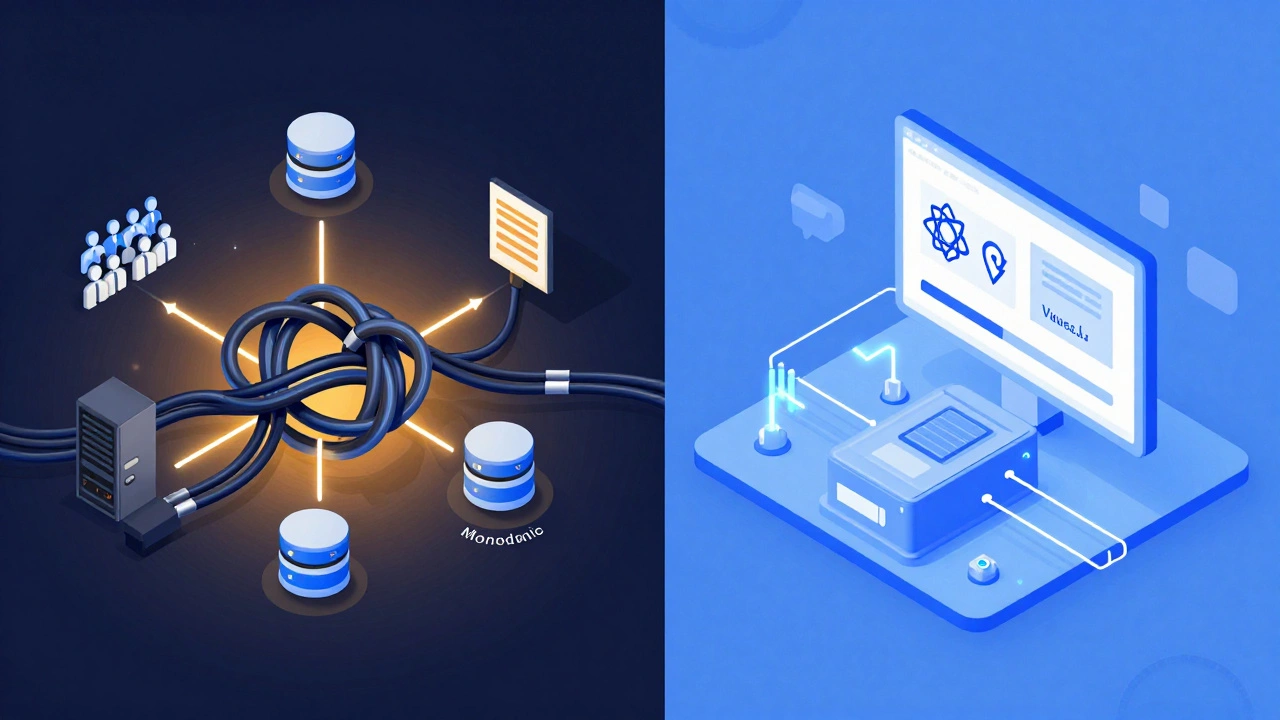
WordPress was designed for blogs. Its architecture is built around a monolithic structure where the database, server logic, and presentation layer are tightly coupled. This works beautifully for a site getting 10,000 visitors a day. But what happens when Black Friday hits, and traffic spikes to 1 million concurrent users?
At that scale, WordPress starts to choke. The database queries become inefficient, memory limits are exceeded, and page load times skyrocket. While you *can* optimize WordPress with caching layers, CDNs, and dedicated servers, you’re essentially fighting against the framework’s design rather than working with it. Enterprises prefer decoupled architectures. They use a "headless" approach where the content management system (the backend) is separate from the user interface (the frontend).
This separation allows them to build lightning-fast front-ends using modern JavaScript frameworks like React or Vue.js, while managing content in a secure, API-driven backend. WordPress *can* be used as a headless CMS, but it wasn’t built for it. Native headless solutions like Contentful or Sanity offer better developer experience, stricter schema enforcement, and superior performance out of the box.
The Plugin Dependency Trap
One of WordPress’s biggest selling points is its plugin ecosystem. Need e-commerce? Install WooCommerce. Need a booking system? Install a booking plugin. For a small business, this modularity is genius. For an enterprise, it’s a ticking time bomb.
Every plugin adds complexity. Plugins often conflict with each other, break during updates, or introduce redundant code that slows down the site. An enterprise website typically requires highly specific functionality that no single plugin can provide without significant customization. When you customize a plugin, you lose the ability to update it easily, leading to technical debt that accumulates rapidly.
Consider the scenario of a global retail brand needing a dynamic checkout process integrated with multiple payment gateways, loyalty programs, and real-time inventory systems across 50 countries. Building this on WordPress means stitching together dozens of plugins, each with its own update cycle and compatibility issues. A custom-built solution allows developers to write clean, maintainable code tailored exactly to those business needs, without the bloat of unused features.
Maintenance Overhead and Talent Scarcity
There’s a misconception that WordPress is easy to maintain because it’s "user-friendly." That’s true for content editors, not for IT departments. Keeping a large WordPress installation secure and performant requires constant vigilance. You need to monitor plugin updates, patch security holes, optimize databases, and manage server resources daily.
Furthermore, finding senior-level WordPress developers who understand enterprise-grade architecture is harder than you might think. Most WordPress developers are skilled in PHP basics and theme customization, not in scalable system design, API integration, or advanced security protocols. Enterprises invest in teams of specialized engineers-frontend, backend, DevOps, security-who work together on a unified codebase. This team structure is difficult to replicate in a WordPress environment, which often relies on generalists.
Brand Identity and Customization Limits
Big brands live and die by their identity. Every pixel, animation, and interaction must align perfectly with their brand guidelines. WordPress themes, even premium ones, impose certain structural constraints. Breaking out of those constraints requires deep coding knowledge and often results in fragile code that breaks with minor updates.
Custom-built sites give brands total creative freedom. Designers can prototype interactions that aren’t possible within standard WordPress templates. Developers can implement micro-interactions, complex animations, and personalized user experiences that drive engagement and conversion. For a company spending millions on marketing, limiting their digital presence to a theme’s capabilities is a bad investment.
When WordPress Actually Makes Sense for Businesses
It’s important to note that not all "companies" are enterprises. Mid-sized businesses, marketing agencies, and media publications often thrive on WordPress. If your primary goal is content publishing, SEO visibility, and ease of use for non-technical staff, WordPress remains a top choice. The key is understanding your growth trajectory and technical requirements.
| Feature | WordPress | Custom-Built Solution |
|---|---|---|
| Initial Cost | Low to Medium | High |
| Time to Market | Fast (weeks) | Slow (months) |
| Scalability | Limited without heavy optimization | Highly scalable |
| Security Control | Dependent on plugins/core updates | Fully controlled by internal team |
| Customization | Constrained by theme/plugin ecosystem | Unlimited possibilities |
| Maintenance Burden | High (constant updates/plugins) | Medium (focused on core code) |
The Rise of Headless CMS and Alternatives
If companies aren’t using traditional WordPress, what are they using? The trend has shifted toward headless CMS platforms and static site generators. Tools like Strapi, Contentful, and Sanity decouple content management from presentation. These platforms offer APIs that deliver content in JSON format, allowing developers to build fast, secure, and flexible front-ends using modern technologies.
Static Site Generators (SSGs) like Gatsby, Next.js, and Hugo are also gaining traction. They pre-render pages at build time, resulting in incredibly fast load speeds and enhanced security since there’s no server-side processing involved during user visits. For many enterprises, this combination of speed, security, and flexibility outweighs the convenience of WordPress.
Conclusion: It’s About Fit, Not Flaws
WordPress isn’t broken; it’s just misapplied in certain contexts. It’s a fantastic tool for bloggers, small businesses, and content-heavy publications. But for large companies with complex needs, high security standards, and scalability demands, the limitations become apparent. Choosing a technology stack is about matching the tool to the job. For enterprises, the job requires precision, control, and performance-qualities that often demand moving beyond the comfort zone of WordPress.
Can WordPress handle high-traffic websites?
Yes, but it requires significant investment in infrastructure. Sites like Sony Music and eBay Motors run on WordPress, but they have dedicated teams optimizing servers, databases, and caching layers. For most companies, this level of resource allocation is not cost-effective compared to building a custom solution.
Is it cheaper to use WordPress in the long run?
Initially, yes. However, as a business grows, the costs of maintaining a complex WordPress setup-security audits, plugin conflicts, performance tuning-can exceed the initial development cost of a custom solution. Custom builds offer better ROI for long-term, scalable businesses.
What are the best alternatives to WordPress for enterprises?
Popular alternatives include headless CMS platforms like Contentful, Sanity, and Strapi, as well as static site generators like Next.js and Gatsby. These tools offer greater flexibility, security, and performance for complex applications.
Do I need a developer if I switch from WordPress?
Yes, transitioning to a custom or headless solution requires skilled developers. Unlike WordPress, which allows non-technical users to manage sites easily, custom solutions require ongoing development support for updates, new features, and integrations.
Can I migrate my WordPress site to a custom platform?
Yes, migration is possible but complex. It involves exporting content, restructuring data, redesigning the front-end, and re-implementing functionality. Professional assistance is recommended to ensure data integrity and minimize downtime.