Free Hosting Platform Selector
Recommended Platform
Select options above to get a recommendation.
Most people think you have to pay for a server just to put a webpage on the internet. That was true ten years ago. Today, if you have HTML files sitting on your desktop, you can get them online in under five minutes without spending a single dollar. You don't need a credit card, and you certainly don't need a complex contract.
The trick isn't magic; it's using modern platforms that offer free website hosting specifically for static sites. These services give you bandwidth, storage, and even a custom domain connection at zero cost. Let’s look at how you can actually do this right now.
What Does "Without Hosting" Actually Mean?
When people ask how to upload a website without hosting, they usually mean they want to avoid paying monthly fees for traditional web servers like those from GoDaddy or Bluehost. Technically, every website lives on a server somewhere. However, many developers and creators use platforms that provide these servers for free as part of their developer ecosystem.
This works best for what we call Static Websites are web pages made of HTML, CSS, and JavaScript that load exactly the same for every user. If your site doesn’t need a database to store user logins or process payments in real-time, you qualify. This includes portfolios, personal blogs, landing pages, and documentation sites.
- Dynamic Sites: Need databases (PHP, Python, Node.js). Harder to host for free.
- Static Sites: Pre-built files (HTML/CSS). Easy to host for free.
Top Platforms to Host Your Site for Free
You have several excellent options in 2026. Each has different strengths depending on your technical comfort level. Here is the breakdown of the most reliable services.
| Platform | Best For | Storage Limit | Custom Domain |
|---|---|---|---|
| GitHub Pages | Developers & Portfolios | 1 GB | Yes |
| Netlify | Ease of Use & Speed | 10 GB | Yes |
| Vercel | React/Next.js Projects | 100 GB Bandwidth | Yes |
| Cloudflare Pages | Performance & Security | Unlimited Builds | Yes |
1. GitHub Pages: The Developer Standard
If you already use Git is a version control system used by developers to track changes in code, then GitHub Pages is the natural choice. It connects directly to your repository. When you push new code, your site updates automatically.
To start, create a public repository named username.github.io. Upload your index.html file there. Within minutes, your site is live at http://username.github.io. It’s robust, secure, and completely free for public projects. The downside? You need to understand basic Git commands or use the GitHub web interface, which can be clunky for beginners.
2. Netlify: Drag-and-Drop Simplicity
Netlify is a cloud computing company that offers hosting and serverless backend services for web applications. Netlify is arguably the easiest option for non-developers. You don’t even need Git. You can literally drag a folder containing your HTML files into their browser dashboard, and they will publish it instantly.
Netlify also provides automatic HTTPS encryption, which means your site gets that little padlock icon in the address bar. This is crucial for trust. Their free plan allows 100GB of bandwidth per month, which is enough for thousands of visitors. They also handle image optimization automatically, making your site load faster than most paid hosts.
3. Vercel: Speed for Modern Frameworks
If you are building with React, Vue, or Next.js, Vercel is a cloud platform for static websites and serverless functions, created by the makers of Next.js. Vercel is optimized for speed. It deploys your site to their global edge network, meaning users in Sydney, London, or New York all get fast load times.
The setup is similar to GitHub: connect your repo, and Vercel handles the rest. It’s incredibly polished. The free tier is generous for hobby projects, offering unlimited bandwidth for personal sites. Just remember that commercial use might require a paid plan if traffic spikes significantly.
4. Cloudflare Pages: The Performance Beast
Cloudflare is a web infrastructure and website security company that offers content delivery network services and DDoS mitigation. Cloudflare is known for security, but their Pages product is fantastic for hosting. It sits on Cloudflare’s massive global network. Because it’s built on their existing infrastructure, it’s nearly impossible to crash due to high traffic.
They offer unlimited requests and bandwidth on the free tier. This makes it ideal if you expect your site to go viral. The setup requires connecting a Git provider, so it’s slightly more technical than Netlify’s drag-and-drop, but the performance benefits are worth it.
Step-by-Step: How to Upload Using Netlify
Since Netlify offers the lowest barrier to entry, let’s walk through the process. This method works for any simple HTML/CSS project.
- Prepare Your Files: Ensure your main page is named
index.html. Put all your CSS, JS, and images in folders within the same directory. - Create an Account: Go to Netlify.com and sign up. You can use Google or GitHub login for speed.
- Drag and Drop: On your dashboard, look for the box that says "Drag and drop your site output folder here." Select the folder containing your
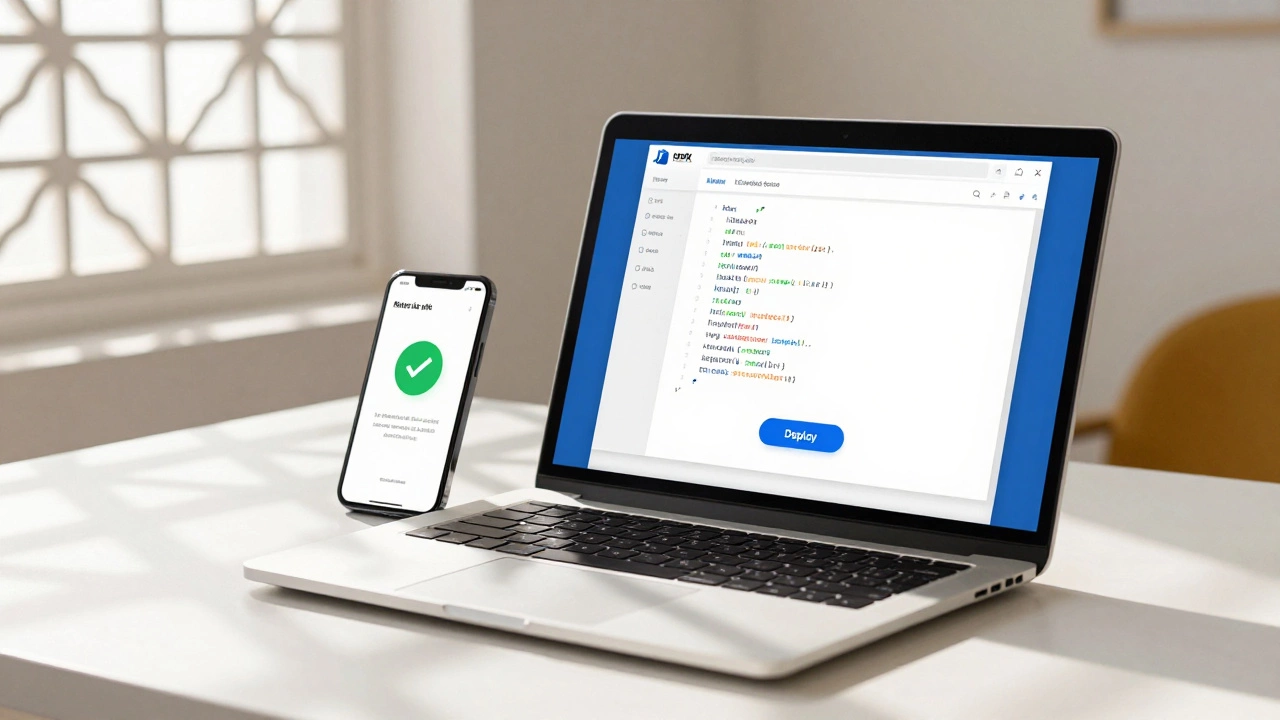
index.html. - Wait for Deployment: Netlify will upload and process your files. In seconds, you’ll see a green checkmark and a random URL like
happy-beaver-123.netlify.app. - Go Live: Click the link. Your site is now on the internet.

Adding a Custom Domain for Free
That random .netlify.app URL looks unprofessional. You probably want yourname.com. Here is the catch: you still need to buy the domain name itself. No service gives away domain names for free permanently because registrars charge fees.
However, you can buy a domain cheaply (often $9-$12/year) from providers like Namecheap or Porkbun. Then, you point it to your free host.
In Netlify, go to "Domain Settings," click "Add Custom Domain," and type your URL. Netlify will give you DNS records (usually two CNAME records). Log into your domain registrar, find the DNS settings, and paste those records there. Within an hour, your site loads on your custom domain with full SSL encryption.
Limitations of Free Hosting
Free is great, but it comes with rules. Understanding these prevents headaches later.
- No Server-Side Code: You cannot run PHP, Python, or Ruby scripts. If you need a contact form that emails you, you must use a third-party service like Formspree or EmailJS.
- Bandwidth Caps: While 100GB sounds like a lot, if you host heavy 4K videos directly on your site, you will burn through it quickly. Always embed videos from YouTube or Vimeo instead.
- Support Priority: Free users get community support. If something breaks, you won’t get a dedicated engineer calling you back immediately.
- Project Limits: Most services limit the number of sites you can host. Netlify allows multiple sites, but GitHub Pages limits you to one public site per user account unless you use organization accounts.

Common Mistakes to Avoid
I’ve seen many beginners fail at this step not because of the tech, but because of bad habits. Avoid these pitfalls.
Using Absolute Paths Incorrectly: If your image path is /images/photo.jpg, it might break when moved from your computer to the host. Use relative paths like ./images/photo.jpg to ensure compatibility across different environments.
Ignoring Mobile Responsiveness: Your free host doesn’t care if your site looks good on phones. You do. Test your site on a mobile device before publishing. A broken layout drives visitors away instantly.
Forgetting Backups: Even though these platforms are reliable, things happen. Keep a copy of your source files on your local drive and in a Git repository. If you delete your repo, your site disappears.
Is This Really Free Forever?
Yes, for personal and small-scale projects. Companies like Netlify and Vercel make money from enterprise clients who need advanced features, higher limits, and priority support. They subsidize the free tier to attract developers early in their career. As long as you stay within the fair-use limits, your site remains free. There are no hidden fees for SSL certificates or basic analytics.
Can I host a WordPress site for free without hosting?
Not easily. WordPress requires a PHP server and a MySQL database, which most free static hosts do not provide. You would need to use a specialized service like Pantheon’s free tier or InfinityFree, but these often come with ads or slower speeds compared to static hosting solutions like Netlify.
Do I need to know coding to use these free hosts?
You need basic knowledge of HTML and CSS to create the files you upload. However, you don’t need to be a pro coder. If you can write a simple document, you can create a basic website. Tools like Netlify allow you to upload pre-made templates without writing code from scratch.
Will my site have ads if I use free hosting?
No. Reputable platforms like Netlify, Vercel, and GitHub Pages do not inject ads into your website. Some older, less reputable free hosts might force banners on your site, but the modern static hosting providers listed here keep your site clean and ad-free.
How do I add a contact form without a backend server?
Use a form handling service. Services like Formspree, Netlify Forms, or EmailJS allow you to submit form data via JavaScript. You simply add a few lines of code to your HTML form action, and the service forwards the submissions to your email inbox.
What happens if my site gets too popular?
If you exceed the bandwidth or build limits of the free tier, the host may throttle your speed or ask you to upgrade. For most personal projects, the free limits are sufficient. If you hit them, it’s a good problem to have, and upgrading to a paid plan is usually affordable.