Free Website Builder Suitability Calculator
Project Profile
Compatibility Score
Recommended Platform
Key Trade-offs
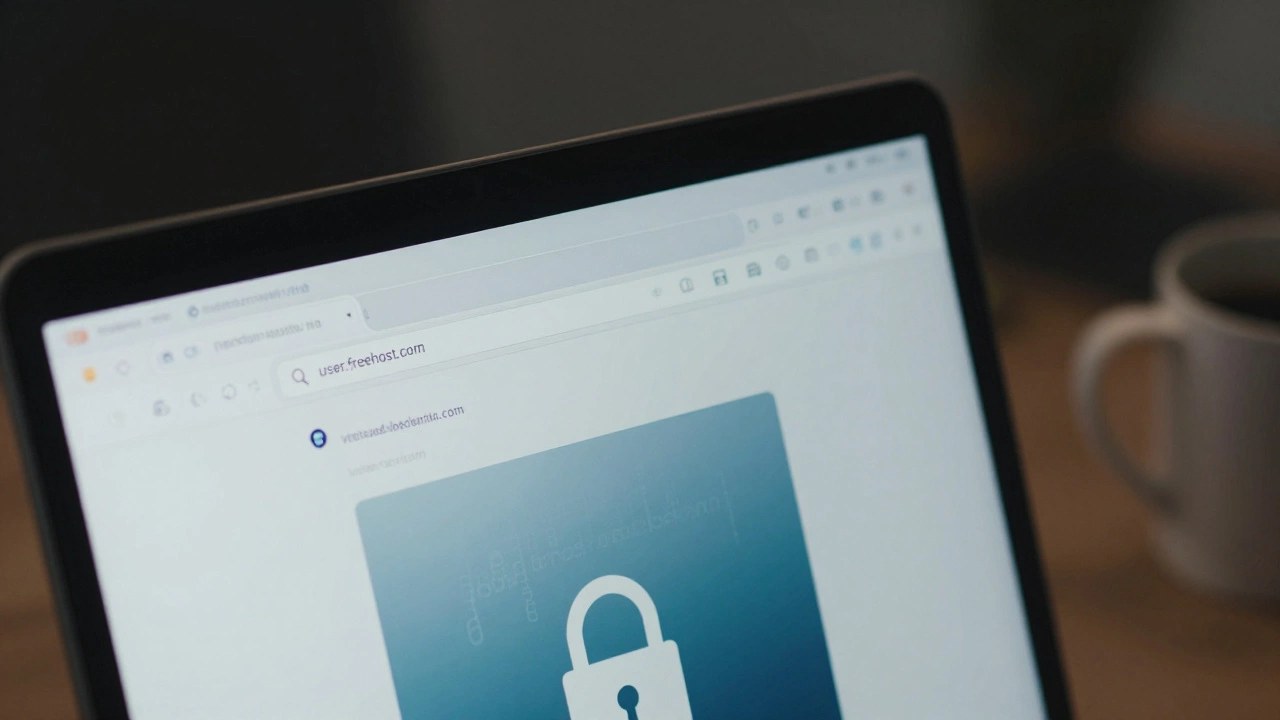
Here is the short answer: yes, you can launch a website without spending a single dollar. But there is a catch that most people ignore until they are stuck with a subdomain that looks like yourname.freehost.com. In 2026, "free" usually means you pay with your privacy, your branding, or your future flexibility.
If you are just testing an idea, building a portfolio, or writing a personal blog that won't make money yet, free tools are perfect. If you are trying to build a business, sell products, or look professional to clients, a totally free setup will likely hurt more than it helps. Let’s break down exactly what you get, what you lose, and which platforms actually let you keep your data if things go wrong.
The Hidden Costs of "Free" Web Hosting
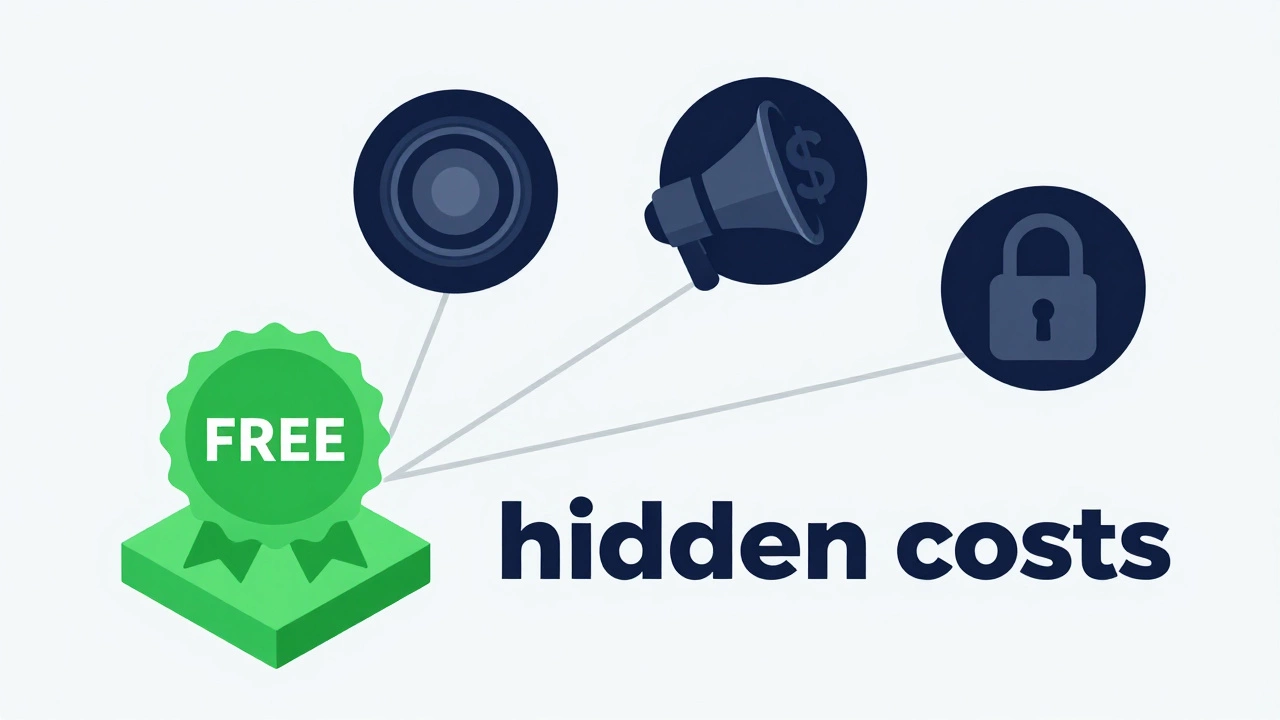
When you see "100% free" advertised, someone is still paying the bills. Servers cost money. Bandwidth costs money. Support staff costs money. If you aren’t paying with cash, you are paying with something else. Usually, it falls into one of three categories:
- Your Data: Some free hosts scan your content or user behavior to sell targeted ads. This is common with ad-supported hosting models.
- Your Branding: You will almost always have a forced subdomain (e.g.,
site.wixsite.com) and often a banner ad on your page that you cannot remove. - Your Freedom: Free plans rarely allow you to export your site cleanly. If you want to leave, you might have to rebuild everything from scratch because the platform locks your content in their proprietary system.
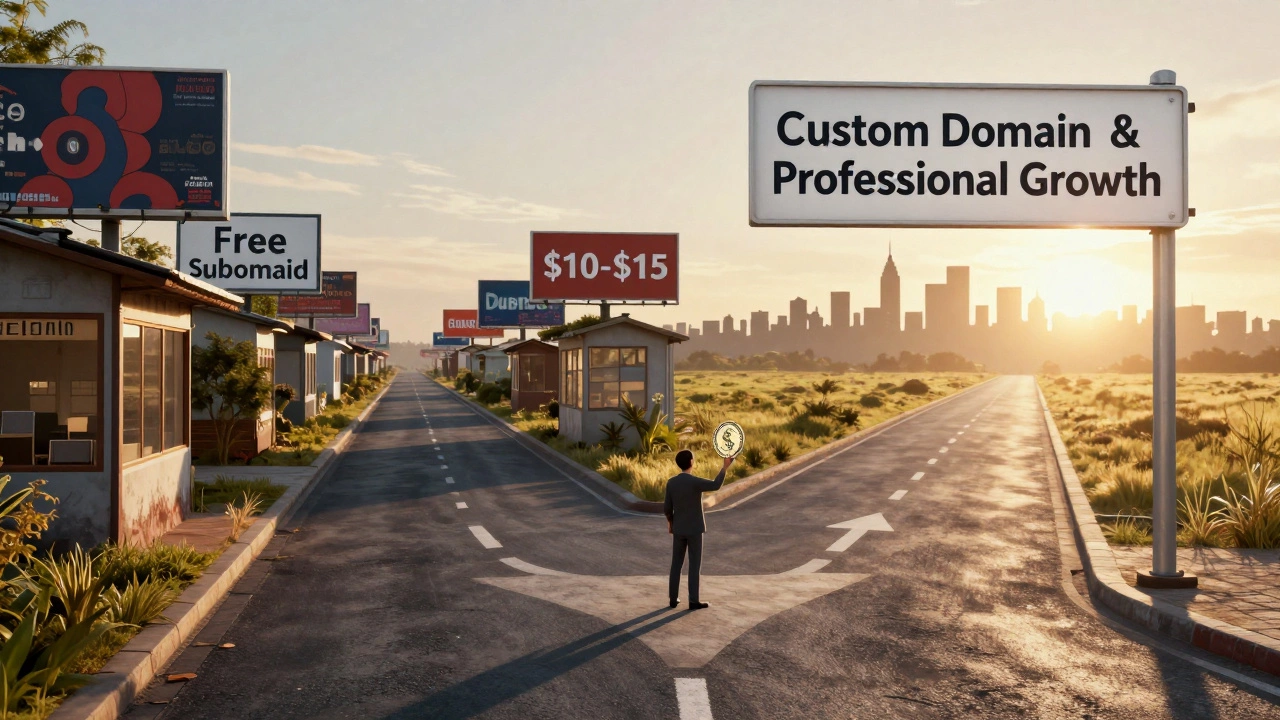
For a hobby project, these trade-offs are fine. For a small business, they are deal-breakers. A client seeing mybusiness.wordpress.com instead of mybusiness.com will assume you are not serious. Domain names cost about $10-$15 per year. That tiny investment signals professionalism.
Top Platforms for Truly Free Websites in 2026
Not all free builders are created equal. Some are traps designed to upsell you aggressively. Others are genuinely generous because they make money elsewhere. Here are the best options depending on your goal.
| Platform | Best For | Subdomain? | Ads Allowed? | Exportable? |
|---|---|---|---|---|
| WordPress.com | Blogging & Content | Yes (.wordpress.com) | No (You control ads) | Partial (XML only) |
| GitHub Pages | Developers & Portfolios | No (Custom domain possible) | No | Yes (Full code access) |
| Neocities | Creative/Art Sites | Yes (.neocities.org) | No | Yes (FTP access) |
| Weebly | Simple Business Cards | Yes (.weebly.com) | Yes (Forced footer ad) | No |
| Strikingly | Landing Pages | Yes (.strikingly.com) | Yes (Footer badge) | No |
WordPress.com remains the king of free blogging. The free plan gives you unlimited posts and a decent editor. However, you cannot install plugins or themes, which limits functionality significantly. It is great for writers, bad for e-commerce.
GitHub Pages is the hidden gem for anyone who knows basic HTML or uses static site generators like Jekyll or Hugo. It is completely free, allows custom domains, and has no ads. The downside? You need to understand Git and command-line interfaces. If you are a developer, this is the best option period.
Neocities brings back the wild west of the early internet. It supports raw HTML/CSS/JS files. There are no ads, and you can use FTP to upload files directly. It is perfect for artists, musicians, or anyone wanting full control without coding complexity. Just know that support is community-driven, not corporate.
What You Cannot Do on Free Plans
Before you start, be clear about what is off-limits. Most free tiers block critical features needed for growth:
- E-commerce Integration: You generally cannot accept payments directly. Stripe and PayPal APIs require secure HTTPS connections and verified business identities, which free hosts often restrict or don't support fully.
- Advanced SEO: You can't edit meta tags freely, set up canonical URLs, or configure sitemaps properly on many drag-and-drop builders. Google may struggle to index your site correctly.
- Email Accounts: You won't get
[email protected]email addresses. This hurts credibility. Professional email usually requires paid hosting or separate services like Zoho Mail (which has a free tier but needs a domain). - SSL Certificates: While many free builders now include HTTPS automatically, some older or cheaper hosts do not. Always check if your URL starts with
https://. Without it, browsers warn users your site is unsafe.
If you need any of these, you must upgrade. The good news? Upgrading later is often easy. Start free, validate your idea, then invest when revenue flows.
How to Build a Free Website Step-by-Step
Let’s walk through creating a simple, clean website using WordPress.com as an example, since it balances ease-of-use with power.
- Sign Up: Go to WordPress.com and choose the free plan. Use a real email address so you don’t lose access.
- Pick a Subdomain: Choose
yourname.wordpress.com. Keep it short and memorable. Avoid numbers or hyphens if possible. - Select a Theme: Browse the free theme library. Look for "responsive" designs that work on mobile phones. Mobile traffic exceeds desktop in most niches now.
- Write Your First Post: Don’t overthink design. Write valuable content first. A ugly site with great content beats a beautiful empty shell.
- Add Essential Pages: Create an About page and a Contact page. Even on free plans, you can embed contact forms via third-party tools like Tally.so (free tier available).
- Connect Social Media: Add links to your Twitter, LinkedIn, or Instagram. These act as backups if your site goes down.
If you prefer coding, use Neocities. Upload an index.html file via their dashboard or FTP. Link to CSS and JS files manually. It feels like 1999, but it works flawlessly for static sites.
When to Upgrade (and Why)
You should consider paying for hosting when:
- You earn $100/month: Reinvest profits into a custom domain ($12/year) and shared hosting ($3-$5/month). This removes ads and improves speed.
- You need a custom domain:
yourbrand.combuilds trust. Free subdomains look amateurish to potential customers. - You hit storage limits: Free plans often cap storage at 1GB-3GB. Images and videos eat this fast. Paid plans offer 10GB+.
- You want analytics: Free builders hide detailed visitor data. Paid plans unlock Google Analytics integration, helping you understand your audience.
Don’t rush to upgrade. Validate your concept first. Many successful blogs started on free platforms and migrated after gaining traction.
Common Pitfalls to Avoid
I’ve seen too many beginners waste time on dead-end strategies. Here’s what to skip:
- Avoid "Free" Hosts with Aggressive Ads: If a host forces pop-ups or redirects visitors to gambling sites, bounce immediately. It destroys user experience and SEO rankings.
- Don’t Rely on Free Email: Using
@gmail.comfor business looks unprofessional. Wait until you buy a domain, then set up professional email. - Skip Proprietary Builders for Long-Term Projects: Platforms like Wix or Squarespace lock your content. If you leave, you take nothing. Open-source solutions like WordPress.org (self-hosted) let you export everything.
- Ignore Mobile Optimization: Over 60% of web traffic comes from phones. Test your free site on a smartphone before sharing it. If it breaks, fix it.
Also, beware of "free trial" traps. Some services ask for credit card details for a 14-day trial and auto-charge if you forget to cancel. Read the fine print. Stick to truly free plans with no payment info required.
Alternatives to Traditional Website Builders
If you’re tired of drag-and-drop limitations, consider these modern approaches:
- Static Site Generators: Tools like Hugo, Jekyll, or Gatsby generate pure HTML files. Host them on GitHub Pages or Netlify (free tier). Fast, secure, and cheap.
- No-Code Platforms: Bubble or Webflow offer free tiers with limitations. Good for prototyping apps, less ideal for long-term publishing.
- Forum Communities: If your goal is discussion, join Reddit, Discord, or Discourse forums. They’re free, built-in audiences exist, and maintenance is zero.
Each path has trade-offs. Static sites require technical skill. No-code platforms become expensive quickly. Forums lack branding control. Choose based on your skills and goals.
Is it safe to use a free website builder?
Yes, reputable platforms like WordPress.com, GitHub Pages, and Neocities are safe. They encrypt data and comply with privacy laws. Avoid obscure hosts that promise "unlimited bandwidth" for free-they often steal data or inject malware. Stick to well-known brands with transparent privacy policies.
Can I make money from a free website?
Indirectly, yes. You can promote affiliate links, drive traffic to social media, or showcase a portfolio to land clients. But direct monetization (ads, donations, sales) is restricted on most free plans. Once you earn consistently, upgrade to remove restrictions and increase revenue potential.
Do free websites rank well on Google?
They can, but it’s harder. Free subdomains have less authority than custom domains. Plus, limited SEO controls mean you can’t optimize meta tags or sitemaps effectively. Focus on high-quality content and backlinks to compensate. For serious SEO, invest in a custom domain and self-hosted solution.
What happens if my free website gets popular?
Most free plans throttle performance or shut down sites exceeding resource limits. Expect slower load times or temporary downtime during traffic spikes. Plan to migrate to paid hosting before going viral. Monitor usage stats weekly to anticipate issues.
Can I move my free website to a paid host later?
It depends on the platform. WordPress.com lets you export content via XML, but design elements are lost. Drag-and-drop builders like Wix make migration nearly impossible-rebuilding is often easier. Code-based platforms like GitHub Pages allow seamless moves since you own the source files. Choose wisely based on long-term plans.