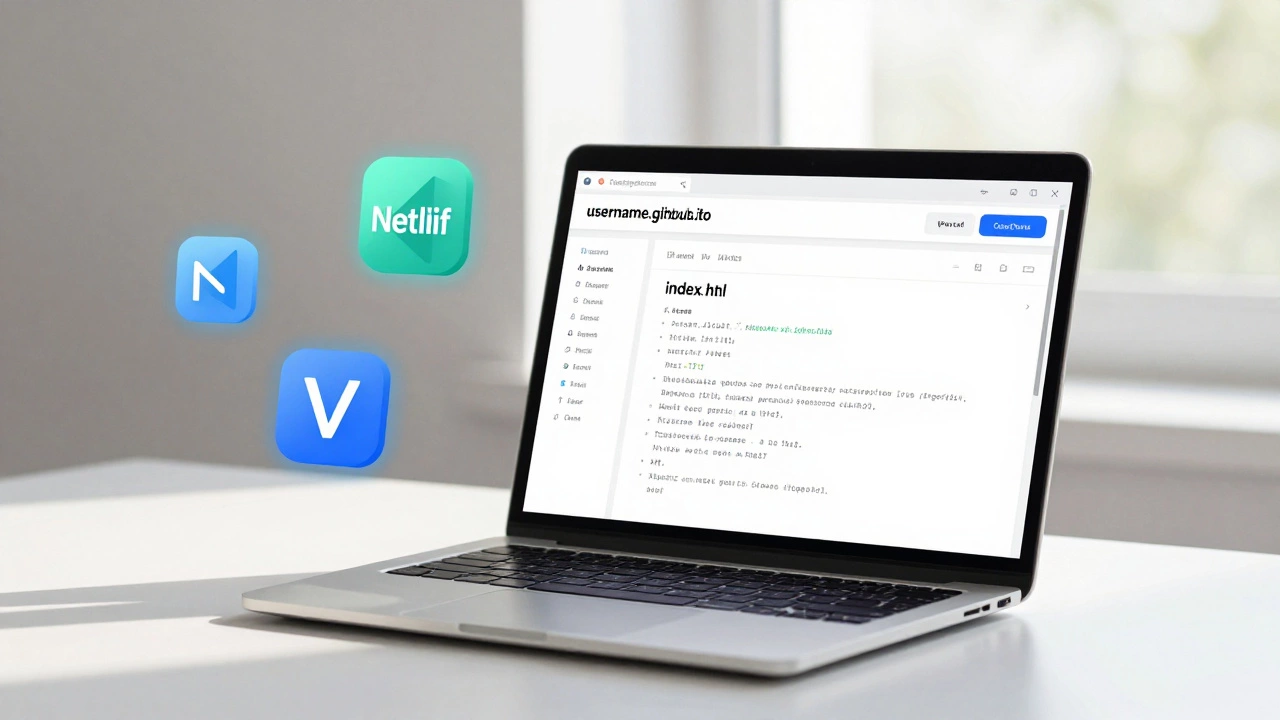
If you want to put up a website but don’t want to spend a dime, you can do it-right now, today. No credit card needed. No hidden fees. No upsells. Just a real, live website that people can visit. It’s not magic. It’s just the right tools used the right way. And yes, it works in 2025.
Why Free Hosting Isn’t a Trap Anymore
A few years ago, free hosting meant slow load times, ugly subdomains like yoursite.freehost.com, and ads plastered all over your page. Most free hosts back then were just ad farms with a side of website. But things changed.
Today, big players like GitHub, Netlify, and Vercel offer free hosting that’s faster, cleaner, and more reliable than some paid options. You’re not getting a bargain basement site-you’re getting enterprise-grade infrastructure, free of charge. The catch? You need to know how to use it. That’s what this guide is for.
Choose Your Weapon: Static Sites Only
Free hosting doesn’t mean free MySQL databases or PHP scripts. It means static websites. That’s HTML, CSS, and JavaScript files. No server-side code. No logins. No databases. That’s fine. Most websites don’t need them.
Think about it: your portfolio? Static. Your blog? Static. Your resume? Static. Your small business landing page? Static. You can build all of these without a single line of backend code.
Platforms like Netlify and Vercel don’t just host your files-they automatically deploy them every time you push a change to GitHub. That’s the secret sauce. You write your site, upload it to GitHub, and boom-your site goes live. No manual uploads. No control panels. Just code and clicks.
Step-by-Step: Build and Host Your Site in 15 Minutes
- Write your site using any text editor. You don’t need fancy software. Use Notepad, VS Code, or even Google Docs (then copy-paste into a .html file). Start simple: a heading, a paragraph, a button. Save it as
index.html. - Create a GitHub account if you don’t have one. It’s free. No credit card. Just an email.
- Make a new repository. Name it something like
yourname.github.io. That’s the magic name. GitHub will automatically turn this into a live website athttps://yourname.github.io. - Upload your index.html file to the repository. Drag and drop it. GitHub will ask if you want to commit it-say yes.
- Go to Settings > Pages. Under Source, choose the main branch. Click Save. Wait 60 seconds.
- Visit your URL. If you named your repo
yourname.github.io, your site is live athttps://yourname.github.io. Open it in a browser. Done.
That’s it. Your site is hosted, live, and free. No ads. No watermarks. No forced branding. Just your content, served fast from servers around the world.
What You Can Do With Free Hosting
People think free means limited. It doesn’t. Here’s what you can actually build:
- A personal portfolio with photos, projects, and a contact form (using Formspree or Netlify Forms)
- A blog using Markdown files and a static site generator like Jekyll or Hugo
- A small business landing page with a booking link or email signup
- A resume or CV that updates automatically when you push new changes
- A project showcase for open-source work or code samples
Even a blog? Yes. Tools like Jekyll let you write blog posts in plain text files. You write in Markdown. You push to GitHub. Jekyll turns them into HTML automatically. Your blog gets indexed by Google. People find it. You get traffic. All free.
What You Can’t Do (And Why It’s Fine)
Free hosting won’t let you run WordPress. Or a forum. Or a database-driven app with user logins. That’s true. But here’s the thing: you don’t need those to start.
Most people who try to build a website with WordPress on a free host end up stuck. They install plugins. They get hacked. They spend hours fixing broken themes. They pay for hosting later anyway.
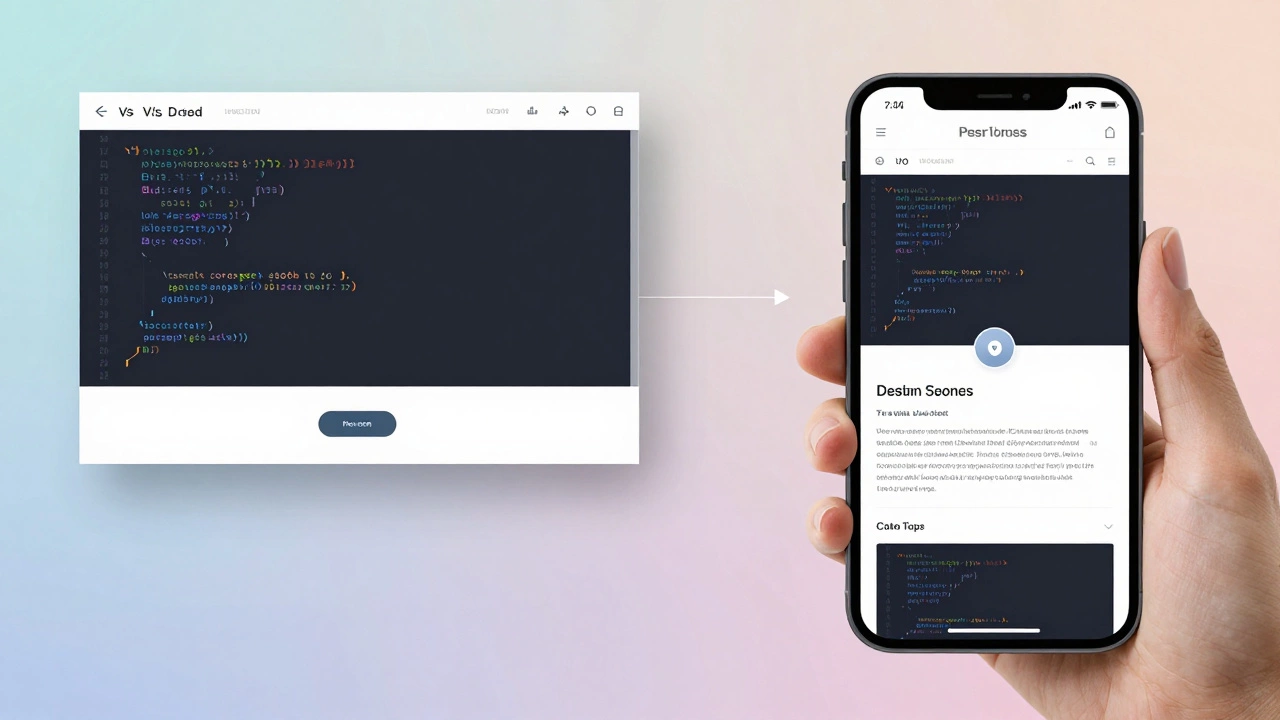
Static sites are simpler. They’re faster. They’re more secure. And they load in under a second-even on slow phones. Google loves them. Users love them. And they cost nothing.
If you ever need user accounts, forms, or databases? You can add them later with services like Firebase, Supabase, or Airtable-all of which have generous free tiers. You don’t need to build everything at once.
Top Free Hosting Options in 2025
| Platform | Custom Domain | SSL Certificate | Bandwidth | Best For |
|---|---|---|---|---|
| GitHub Pages | Yes | Yes (automatic) | Unlimited | Portfolios, docs, static blogs |
| Netlify | Yes | Yes (automatic) | 100 GB/month | Modern web apps, Jekyll, React, Vue |
| Vercel | Yes | Yes (automatic) | 100 GB/month | Next.js, React, Svelte, frontend frameworks |
| Render | Yes | Yes (automatic) | 100 GB/month | Simple backend apps (Node.js, Python) |
| Cloudflare Pages | Yes | Yes (automatic) | Unlimited | Speed-focused sites, global CDN |
All of these platforms give you a custom domain for free. You can use yourname.com instead of yourname.github.io-and it’s still free. You just need to buy the domain name (around $10/year from Namecheap or Cloudflare).
SSL certificates? Automatic. No setup. No certificates to download. No expired warnings. Everything is handled behind the scenes.
Common Mistakes to Avoid
- Don’t use Wix or Squarespace’s free plan. They lock you in. You can’t export your site. You can’t move it. If you want freedom, stick with GitHub or Netlify.
- Don’t use free hosting that forces ads. Sites like 000webhost or InfinityFree show ads on your page. That’s not hosting-that’s adware.
- Don’t skip the custom domain. A free subdomain looks unprofessional. Buy a $10 domain. It’s worth it.
- Don’t upload huge images. A 5MB photo will slow your site. Use TinyPNG or Squoosh to compress them. Keep files under 500KB.

What Comes Next?
Once your site is live, you can:
- Add Google Analytics to see who visits
- Connect a contact form using Formspree (free up to 1,000 emails/month)
- Use a static site generator like Hugo to build a blog with tags and categories
- Deploy updates with one git push
- Get your site indexed by Google in days-not weeks
There’s no reason to wait. You don’t need to learn coding to start. You just need to start. Write one page. Push it. See it live. Then add another.
The web doesn’t belong to big companies anymore. It belongs to anyone who can write a few lines of HTML. And you can do that today.
Frequently Asked Questions
Can I really host a website for free forever?
Yes. Platforms like GitHub Pages and Cloudflare Pages don’t charge for hosting static websites. As long as you follow their terms (no illegal content, no abuse), your site stays up. There’s no time limit. No trial. No hidden expiration.
Do I need to know how to code?
Not really. You can use website builders like Webflow or Canva to design your site, then export the HTML and upload it to GitHub. Or use a template from HTML5 UP or Start Bootstrap. Just copy, paste, and push. No programming needed.
Can I use my own domain name for free?
You can point your domain to free hosting for free. But you still need to buy the domain name itself-usually $10-$15 per year. That’s not hosting. That’s just the address. You can get it from Cloudflare, Namecheap, or Porkbun. All are cheaper than coffee.
Is free hosting safe for SEO?
Absolutely. Google ranks sites based on content, speed, and mobile-friendliness-not the price tag. Sites on GitHub Pages load fast, use HTTPS, and are mobile-ready. That’s exactly what Google wants. Many top-ranking blogs and portfolios are hosted for free.
What if I need a database later?
You can add a database later without rebuilding your site. Services like Supabase and Firebase offer free tiers with databases, authentication, and storage. You connect them to your static site using JavaScript. Your site stays fast. You get backend power. All for free.
Ready to Start?
Open your browser. Go to github.com. Sign up. Create a repo named yourname.github.io. Create a file called index.html. Paste in this:
<!DOCTYPE html>
<html>
<head>
  <title>My Free Website</title>
</head>
<body>
  <h1>Hello, World!</h1>
  <p>This site is hosted for free.</p>
</body>
</html>
Commit it. Wait a minute. Visit your URL. You’re live.
No one’s stopping you. No one’s holding you back. The tools are free. The knowledge is here. All you need to do is click ‘commit’.