Choosing the right blogging platform isn’t about picking the most popular one. It’s about finding the one that fits your goals, your tech comfort level, and how much time you actually want to spend tweaking settings instead of writing posts. If you’re just starting out, you don’t need a custom-coded site with 50 plugins. If you’re planning to scale into a full business, you can’t rely on a free template with locked features. The platform you pick today will shape your content, your audience, and your growth for years.
What do you actually want to do with your blog?
Before you look at features or prices, ask yourself: Why are you blogging?
- Are you sharing personal stories with friends and family?
- Are you building a brand around your expertise - like fitness, cooking, or finance?
- Do you plan to sell products, courses, or ads?
- Are you trying to rank on Google and get traffic from search?
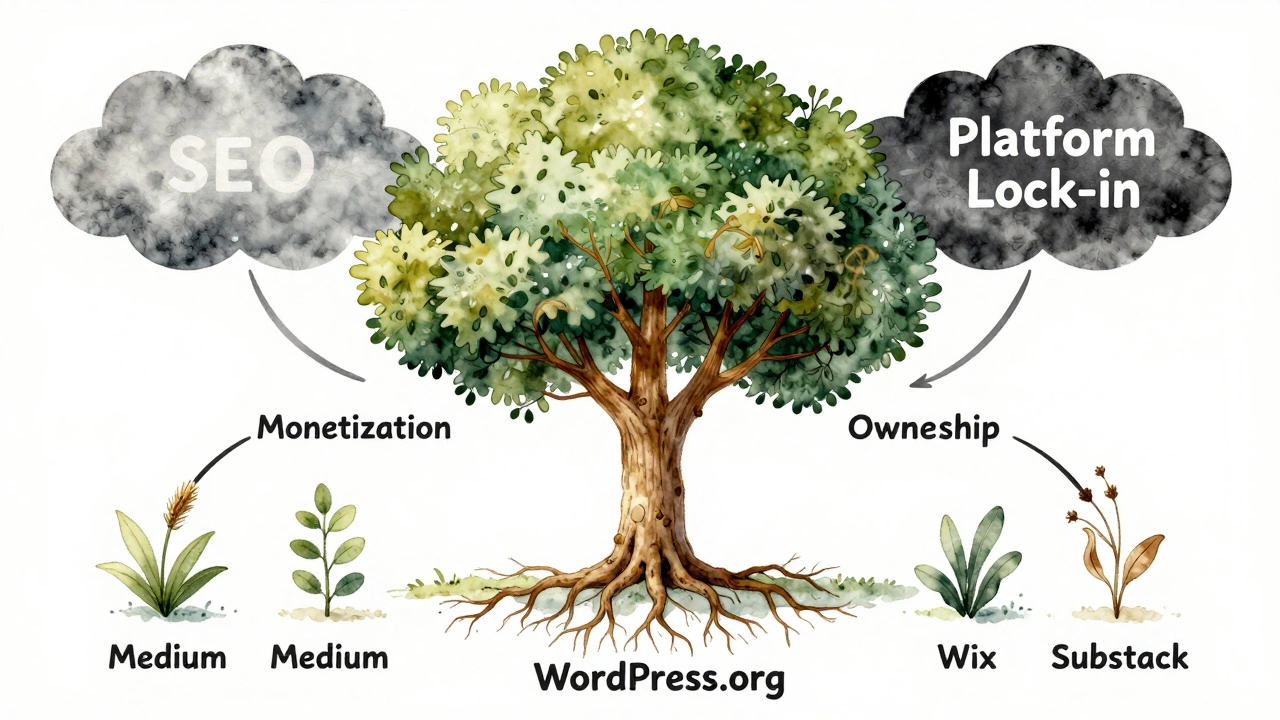
These answers narrow your options fast. If you just want to write and share, something simple like Medium or Substack works. But if you want to own your audience, control your design, and make money, you need full control - and that means self-hosted WordPress.org.
WordPress.org: The power choice for serious bloggers
WordPress.org powers over 43% of all websites on the internet. That’s not because it’s easy - it’s because it’s flexible. You install it on your own hosting (like SiteGround, Bluehost, or Cloudways), pick a theme, add plugins, and you’re in complete control.
Want to sell digital products? Use WooCommerce. Need SEO that actually works? Install Rank Math or Yoast. Want to speed up your site? Add LiteSpeed Cache. Need a contact form? There’s a plugin for that. And if you ever outgrow it, you can add membership areas, forums, or even an online store without switching platforms.
The catch? You need to handle updates, backups, and security yourself - or pay someone to do it. Most beginners think this is complicated, but with managed WordPress hosting, it’s as simple as clicking a button. SiteGround, for example, auto-updates WordPress, scans for malware, and restores your site if something breaks. You don’t need to be a tech expert.
Wix and Squarespace: Drag-and-drop simplicity
If you hate code, hate plugins, and hate learning new tools, Wix and Squarespace are your best friends. They’re like building with LEGO blocks - drag a text box, drag an image, drag a button. Done.
Both offer beautiful, mobile-ready templates designed by professionals. You can have a blog up in under an hour. No hosting to worry about. No plugins to install. No updates to manage.
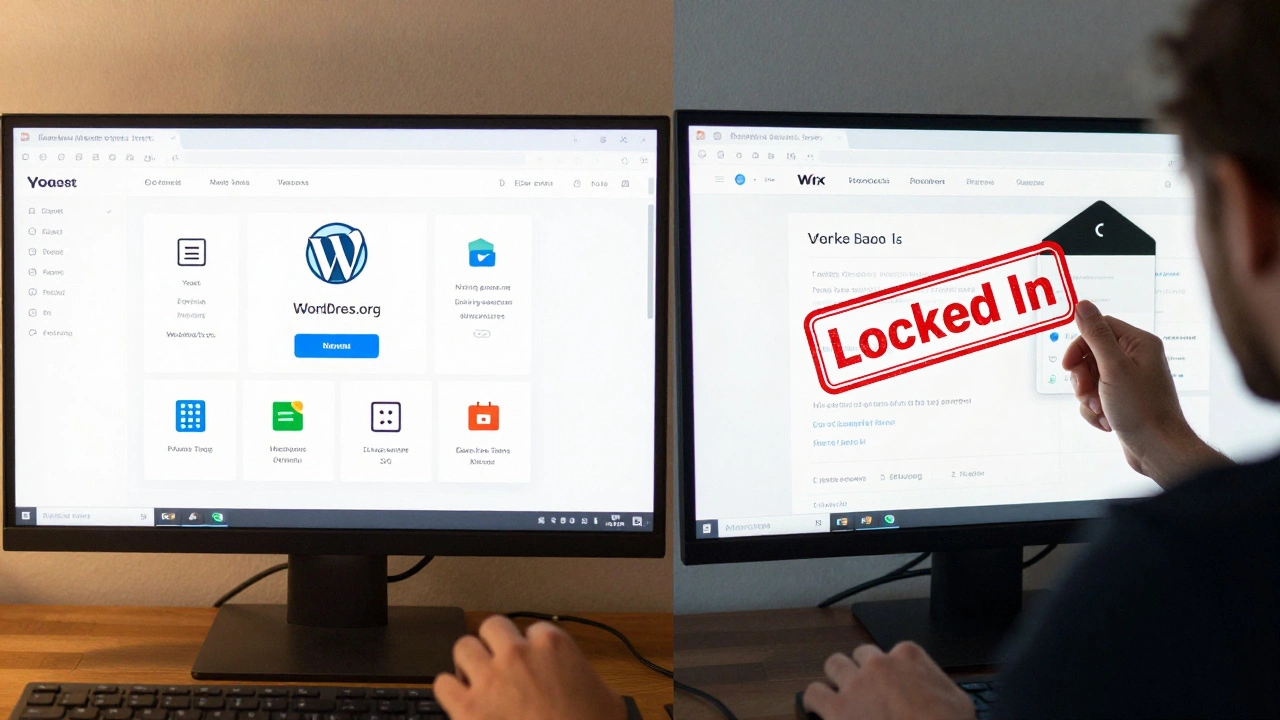
But here’s the trade-off: you’re locked in. You can’t export your content easily. If you want to switch platforms later, you’ll lose your design, your SEO rankings, and possibly your traffic. Wix and Squarespace also limit what you can do with SEO. You can’t customize meta tags the way you can on WordPress. And if you want to add advanced features - like a custom membership system or complex product variations - you’re stuck.
Best for: Personal blogs, portfolio sites, small creatives who want to look professional without learning tech.
Medium and Substack: Built-in audience, no control
Medium and Substack are the opposite of WordPress. You don’t own your site - you rent space on someone else’s. But they come with something powerful: readers.
Medium has over 100 million monthly visitors. If you write well, your posts can get discovered by people searching for topics you care about. Substack lets you build an email list directly from your posts, and readers pay you to subscribe.
But you can’t customize your blog’s design. You can’t add your own ads. You can’t install analytics tools. And if Medium changes its algorithm or Substack raises prices, you have no leverage. Your audience belongs to them, not you.
Best for: Writers who want to test ideas quickly, or those who prioritize building an email list over owning a website.
Ghost: For writers who want clean, fast, and focused
Ghost is a blogging platform built by writers, for writers. It’s lightweight, fast, and designed for one thing: publishing great content. No clutter. No plugins. Just writing, editing, and publishing.
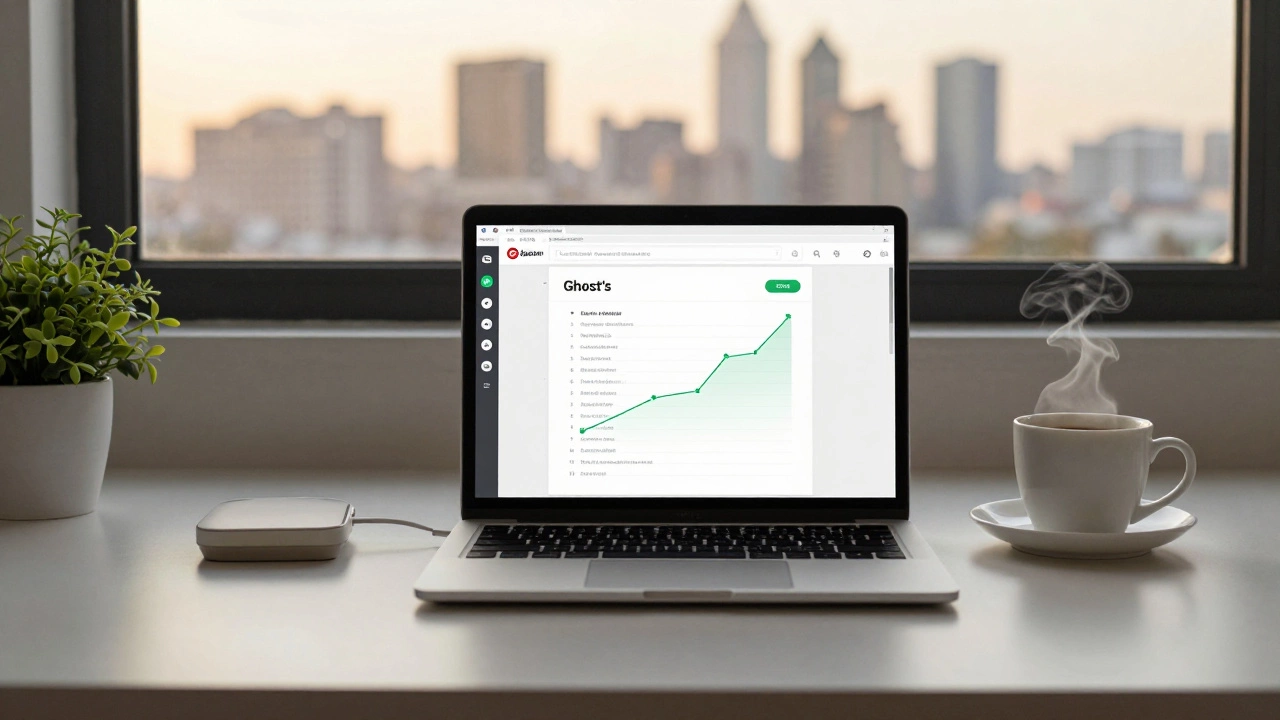
It comes with built-in SEO tools, email newsletters, and member subscriptions - all in one place. It’s more powerful than Medium but simpler than WordPress. You still need to host it (Ghost offers its own hosting starting at $9/month), but it’s managed for you.
Ghost’s biggest strength? It’s built for monetization. You can set up paid memberships, accept tips, and track subscriber growth without adding a single plugin. It’s perfect if you want to write and earn - without the bloat.
Best for: Professional writers, journalists, and creators focused on subscriptions and clean design.
Comparison: What each platform offers
| Platform | Ownership | Customization | SEO Control | Monetization | Learning Curve |
|---|---|---|---|---|---|
| WordPress.org | Full ownership | Unlimited (plugins, themes) | Full control (meta tags, schema, permalinks) | Ads, products, memberships, affiliates | Medium to high |
| Wix | Hosted - limited ownership | Drag-and-drop only | Basic (no custom code) | Store, donations, subscriptions | Very low |
| Squarespace | Hosted - limited ownership | Template-based | Good, but locked | Store, subscriptions | Very low |
| Medium | Hosted - no ownership | None | None (depends on Medium’s algorithm) | Partner Program (limited payouts) | None |
| Substack | Hosted - no ownership | Minimal | None | Subscriptions only | None |
| Ghost | Full ownership (if self-hosted) | Theme-based, limited plugins | Strong built-in tools | Memberships, tips, paid newsletters | Low to medium |
What most beginners get wrong
Most people start with free platforms because they’re scared of cost or complexity. But here’s the truth: free doesn’t mean cheap. It means you’re trading control for convenience - and that costs you later.
If you’re on Medium and your post goes viral, you don’t own the traffic. If you’re on Wix and want to add an e-commerce feature, you’re stuck with their fees. If you’re on WordPress.org and you pay $5/month for hosting and $10 for a theme, you own everything - and you can scale without paying extra to the platform.
Also, don’t wait for "perfect." You don’t need a fancy theme, 10 plugins, or a custom domain on day one. Start with a clean WordPress install, a free theme like Astra or GeneratePress, and write your first 10 posts. Then optimize. Then grow.
What to do next
Here’s a simple 5-step plan to pick your platform:
- Write down your goal: Is this a hobby, a side hustle, or a business?
- Decide if you want to own your site or rent space.
- Try two platforms for 3 days: Install WordPress.org on a cheap host (like Hostinger - $1.99/month), and sign up for a free Wix or Ghost trial.
- Write one blog post on each. How easy was it? Did you feel stuck?
- Choose the one that lets you write more and worry less.
The right platform doesn’t make you a better writer. But the wrong one will make you quit.
Frequently Asked Questions
Is WordPress really better than Wix for blogging?
Yes - if you care about long-term growth. WordPress lets you own your content, customize your SEO, and add any feature you need. Wix is easier to start with, but you’re locked in. If you ever want to sell products, run ads, or rank higher on Google, WordPress gives you the tools. Wix doesn’t.
Can I start a blog for free?
You can start for free on Medium, Substack, or WordPress.com - but you’ll pay later. Free platforms limit your design, your SEO, and your ability to make money. For under $5/month, you can get your own domain and hosting on WordPress.org - and own your blog for life. That’s the real savings.
Do I need to know how to code?
No. WordPress.org works with drag-and-drop page builders like Elementor or Gutenberg. You don’t need to touch code to build a beautiful blog. You only need to learn how to click buttons, upload images, and write posts. The tech side is handled by your hosting provider.
Which platform is best for SEO?
WordPress.org wins by far. You can install plugins like Rank Math or Yoast to control every SEO detail - title tags, meta descriptions, schema markup, image alt text, and internal linking. Wix and Squarespace give you basic tools. Medium and Substack don’t let you change anything. If you want traffic from Google, WordPress gives you the control you need.
How much does it cost to start a blog?
You can start a WordPress blog for under $50 in your first year: $3/month for hosting, $10 for a domain, and $0 for a free theme. That’s less than $5 a month. Compare that to Wix’s $16/month plan or Substack’s 10% cut on earnings. The cheaper option isn’t always the cheapest in the long run.
What to do after you pick a platform
Once you’ve chosen, don’t overthink it. Start writing. Your first 10 posts won’t be perfect. That’s okay. The goal isn’t to launch a masterpiece - it’s to build the habit. Publish once a week. Reply to comments. Share your posts where your audience hangs out. Growth happens slowly - but only if you show up.
The platform is just the foundation. The content is what builds your audience. Don’t spend months tweaking fonts. Spend your time writing something people care about.