Solo Website Launch Planner
Select your preferred approach and project details to get a realistic estimate of first-year costs and time investment.
Your Estimated Launch Plan
- Domain Name $12
- Hosting (Yearly) $180
- Theme/Design $0
- Plugins/Tools $0
- Total First Year Cost $192
You’ve got an idea. Maybe it’s a portfolio for your freelance design work, a blog about your obsession with sourdough baking, or a simple landing page for that side hustle you’re finally launching. The big question isn’t whether the idea is good enough-it’s whether you can actually pull off building the site yourself without hiring a developer who charges more than your monthly rent.
The short answer? Absolutely. In fact, most of the websites you scroll past every day were built by one person. You don’t need to know how to code in Python or C++. You don’t even need to understand what a DNS record is (though knowing helps). What you do need is a clear plan, the right tools, and about 10-20 hours of focused time if you want something decent. If you’re aiming for perfection, maybe 40. But let’s be real: perfect is the enemy of launched.
Why Solo Web Building Is Easier Than Ever
Back in 2010, building a website meant either paying a designer thousands of dollars or spending months learning HTML, CSS, and JavaScript. Today, website builders are platforms that allow users to create websites using drag-and-drop interfaces without writing code have changed the game entirely. Tools like WordPress, CMS WordPress, a free open-source content management system used by over 43% of all websites on the internet, Squarespace, and Wix handle the heavy lifting-hosting, security, updates, and design templates-so you can focus on content.
This shift means the barrier to entry has collapsed. You’re not competing with agencies anymore; you’re competing with your own procrastination. The tech stack required to go from zero to live is now accessible to anyone with a credit card and a weekend.
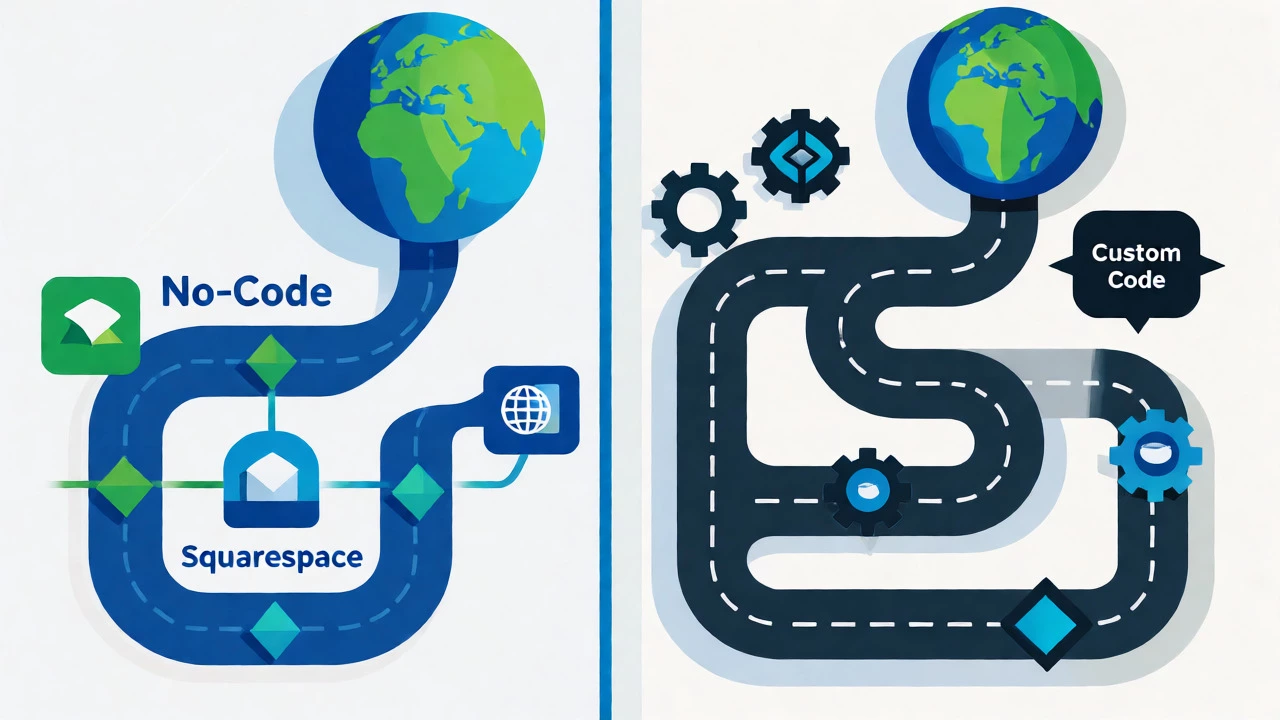
Choosing Your Path: No-Code vs. Low-Code vs. Custom
Before you start clicking buttons, decide which lane you’re driving in. This choice dictates your cost, flexibility, and maintenance burden.
| Approach | Best For | Cost (First Year) | Learning Curve | Maintenance Effort |
|---|---|---|---|---|
| No-Code Builders (e.g., Squarespace, Wix) |
Portfolios, small business sites, quick launches | $150-$300 USD | Low (Days) | Minimal (Platform handles updates) |
| Managed CMS (e.g., WordPress.com) |
Blogs, content-heavy sites needing SEO control | $100-$400 USD | Medium (Weeks) | Low-Medium (Plugin updates) |
| Self-Hosted CMS (e.g., WordPress.org) |
Scalable businesses, custom functionality needs | $100-$600+ USD | High (Months) | High (Security, backups, server mgmt) |
| Custom Code (HTML/CSS/JS) |
Developers, unique designs, maximum performance | $50-$200 USD | Very High (Years) | High (Manual everything) |
If you’re reading this and thinking, "I just want my site up by Friday," pick a No-Code Builder. If you want full ownership and scalability but hate server management, go Managed CMS. Only choose Self-Hosted if you’re comfortable troubleshooting when things break at 2 AM.
The 5-Step Solo Launch Plan
Here’s the exact workflow I use when helping friends launch their first site. It strips away the fluff and gets you live.
- Define the Single Goal: What is the one action you want visitors to take? Buy a product? Sign up for a newsletter? Book a call? Write this down. Every design decision must serve this goal. If a feature doesn’t help achieve it, cut it.
- Secure Your Domain and Hosting: Go to a registrar like Namecheap or Porkbun. Grab a .com domain if possible ($10-$15/year). Pair it with hosting. For beginners, managed WordPress hosting (like SiteGround or Bluehost) bundles these together, saving you integration headaches.
- Pick a Template, Not a Design: Don’t try to design from scratch. Choose a template that already looks 80% like what you want. Change the colors to match your brand (stick to two main colors and one accent), swap the placeholder images for high-quality photos of your actual work/product, and rewrite the headlines to speak directly to your audience.
- Create Core Pages Only: Ignore the urge to build 20 pages. Start with four: Home, About, Services/Product, and Contact. That’s it. You can add a Blog later once you have traffic. Fewer pages mean less clutter and faster load times.
- Launch Before You’re Ready: Check mobile responsiveness (view your site on your phone). Test the contact form. Then hit publish. You will find bugs after launch-that’s normal. Fix them as they come up. Waiting for perfection usually means never launching.
Common Pitfalls That Trap Solo Builders
I’ve seen countless people stall because they fell into these traps. Avoid them, and you’ll save weeks of frustration.
- Overcomplicating Navigation: If your menu has seven items, simplify it. Stick to five max. Use clear labels like "Work" instead of "Our Portfolio Showcase." Users scan; they don’t read.
- Ignoring Mobile First: Over 60% of global web traffic comes from mobile devices. If your site looks cramped on a phone, you lose half your audience instantly. Always check the mobile view during editing, not just at the end.
- Skipping SSL Certificates: Ensure your site uses HTTPS. Most modern hosts provide free SSL via Let’s Encrypt. Without it, browsers flag your site as "Not Secure," killing trust immediately.
- Underestimating Content Prep: A beautiful empty site is useless. Have your text written and images selected before you start building. Trying to write copy while dragging elements around leads to poor structure and rushed messaging.
When Should You Actually Hire Help?
Building it yourself is great until it isn’t. There are three scenarios where throwing money at a professional saves you time and stress:
- E-commerce Complexity: If you’re selling physical products with inventory tracking, shipping rules, and tax calculations, setting up Shopify or WooCommerce correctly takes expertise. A mistake here costs real money.
- Custom Integrations: Need to connect your site to a specific CRM, booking system, or API? Developers bridge gaps that no-code tools can’t touch.
- Brand Identity Crisis: If you have no logo, color palette, or font strategy, a designer creates a cohesive visual language. A mismatched site looks amateurish, regardless of how well-coded it is.
For everything else-a blog, a portfolio, a service landing page-you’re better off doing it yourself. The skills you gain will pay dividends for years.

Realistic Time and Cost Breakdown
Let’s look at hard numbers for a typical solo project in 2026.
| Item | Low End (DIY) | Mid Range (Prosumer) | Notes |
|---|---|---|---|
| Domain Name | $10/year | $15/year | .com preferred; avoid obscure extensions unless branding demands it. |
| Hosting | $5/month | $20/month | Shared hosting works for low traffic; VPS for growth. |
| Theme/Template | $0 (Free) | $60 (One-time) | Paid themes often offer better support and fewer bugs. |
| Plugins/Add-ons | $0 | $100/year | SEO, backup, and caching plugins may require paid tiers. |
| Time Investment | 10 hours | 40 hours | Includes content creation, setup, and testing. |
You can get a functional, professional-looking site online for under $100 total in the first year. Compare that to the $2,000-$5,000 quote from a local agency, and the ROI of DIY becomes obvious.
Frequently Asked Questions
Do I need to know coding to build a website myself?
No. Modern platforms like Squarespace, Wix, and WordPress with page builders (Elementor, Divi) allow you to build fully functional sites using drag-and-drop interfaces. Basic understanding of how links and menus work is helpful, but you don't need to write HTML or CSS unless you want to customize beyond the template's limits.
How much does it really cost to build a website alone?
You can start for as little as $100-$150 for the first year. This includes a domain name ($10-$15), basic hosting ($5-$15/month), and a free or cheap theme. Premium features like advanced SEO tools or email marketing integrations might add another $50-$100 annually, but these are optional for launch.
Is WordPress better than website builders for one-person projects?
It depends on your goals. WordPress offers more flexibility and ownership, making it ideal if you plan to scale or need specific plugins. Website builders (like Squarespace) are easier and require less maintenance, making them better if you prioritize speed and simplicity over customization. For most solo creators starting out, a builder reduces friction significantly.
How long does it take to build a website by yourself?
A simple 5-page site using a template can be built in 10-20 hours. This includes selecting a platform, configuring settings, adding content, and testing. Complex sites with e-commerce or custom designs can take 40-80 hours. The biggest delay is usually creating content (writing text, taking photos), not the technical build itself.
What are the risks of building a website alone?
The main risks are security vulnerabilities (if you neglect updates on self-hosted sites), poor mobile optimization, and slow loading speeds due to unoptimized images. However, these are manageable with best practices: keep software updated, compress images before uploading, and always test on mobile devices.